FNSKU labels for Amazon FBA: size, printing and common mistakes
Sending stock to FBA? The FNSKU label looks like a detail, but a badly printed barcode can slow down check-in. Here's what matters.
With Fulfilment by Amazon, every unit has to be identifiable as yours. That's the job of the FNSKU, the barcode that usually starts with “X00”. A good label goes unnoticed; a badly printed one can slow down or block check-in at the fulfilment centre.
What's on an FNSKU label
- the barcode;
- the FNSKU in plain text;
- the product name (usually shortened);
- the condition (“New”).
Amazon generates all of it. You just need to print it at the right size.
Which size?
Amazon lists minimum and maximum label dimensions in the Seller Central help pages, so check them before you order. In practice, two thermal sizes are the most common:
| Size | Best for |
|---|---|
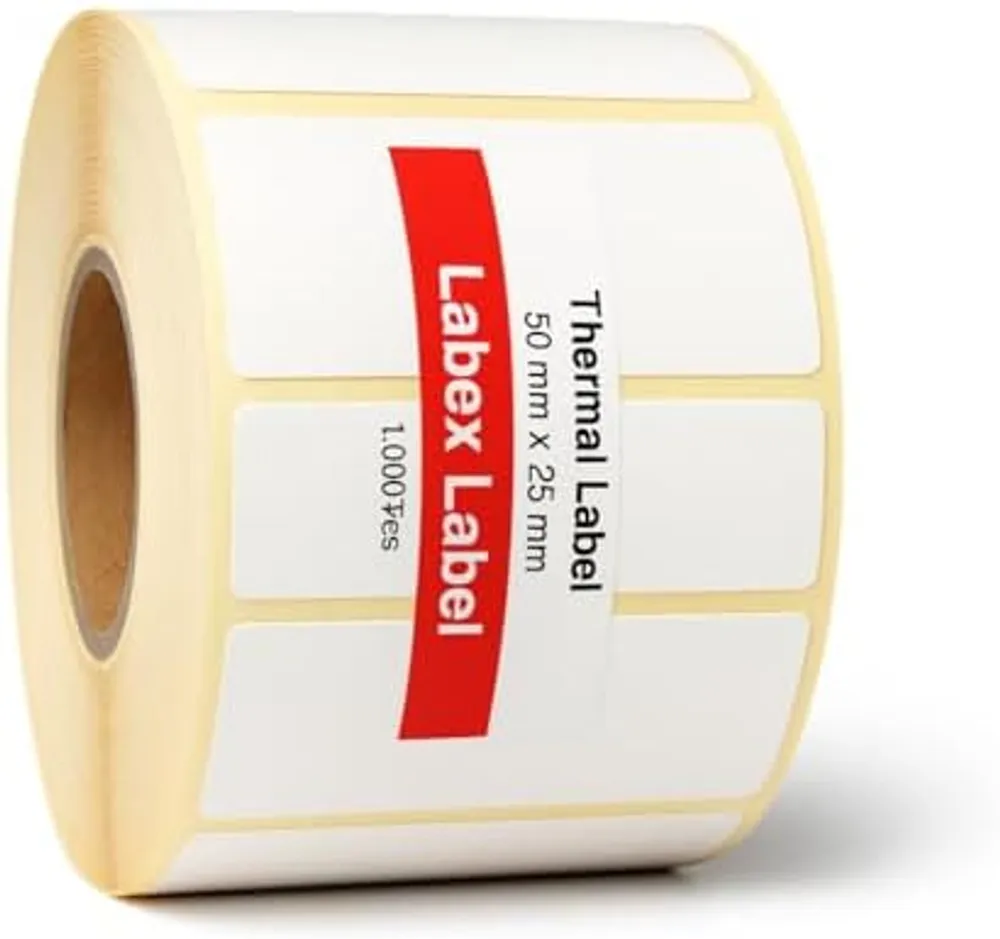
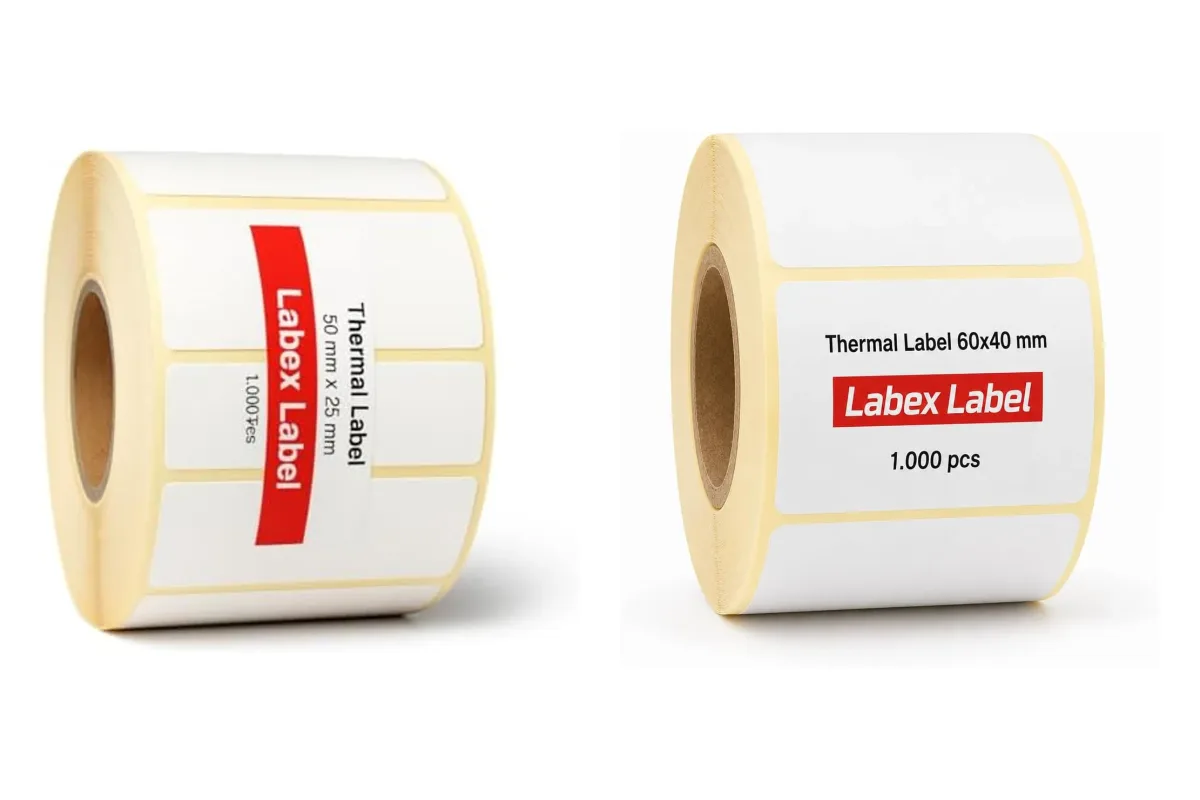
| 50 x 25 mm | The most popular, close to 2 x 1 inch. Neat on small packaging. |
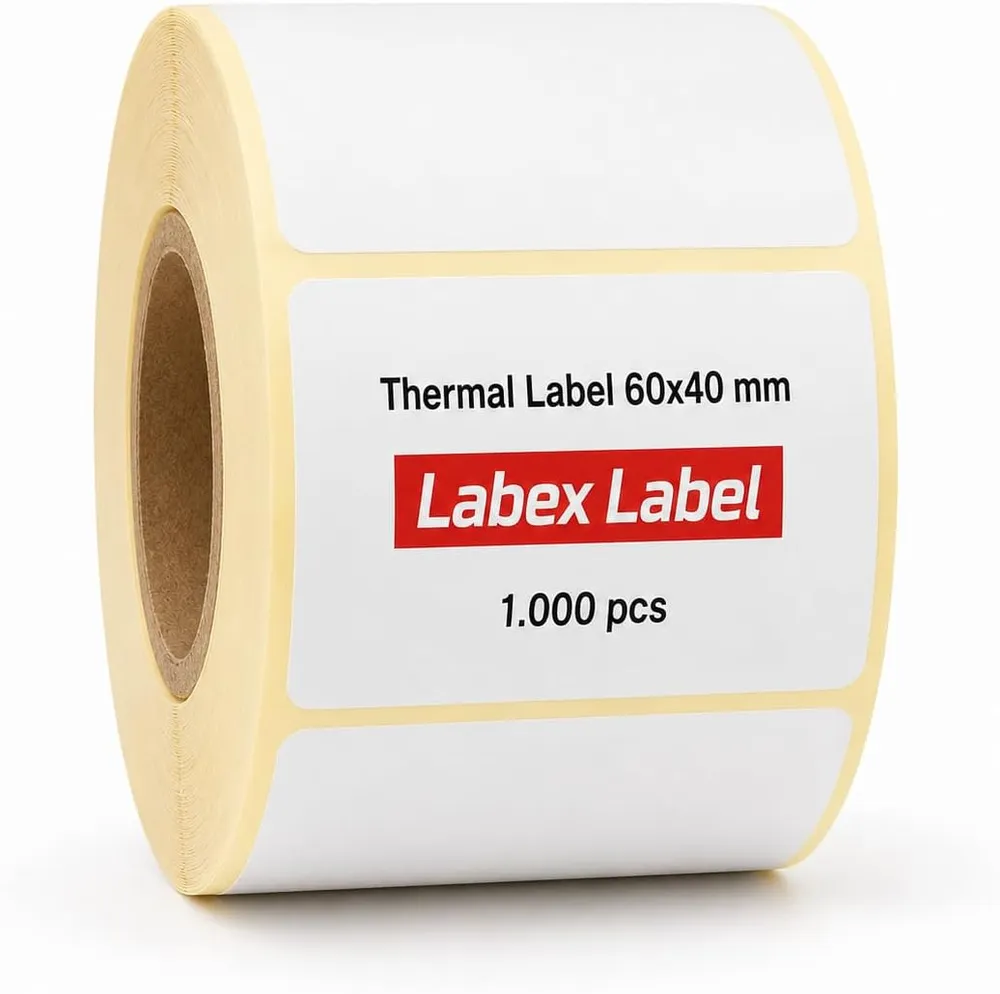
| 60 x 40 mm | More room for a wide barcode and readable text. |
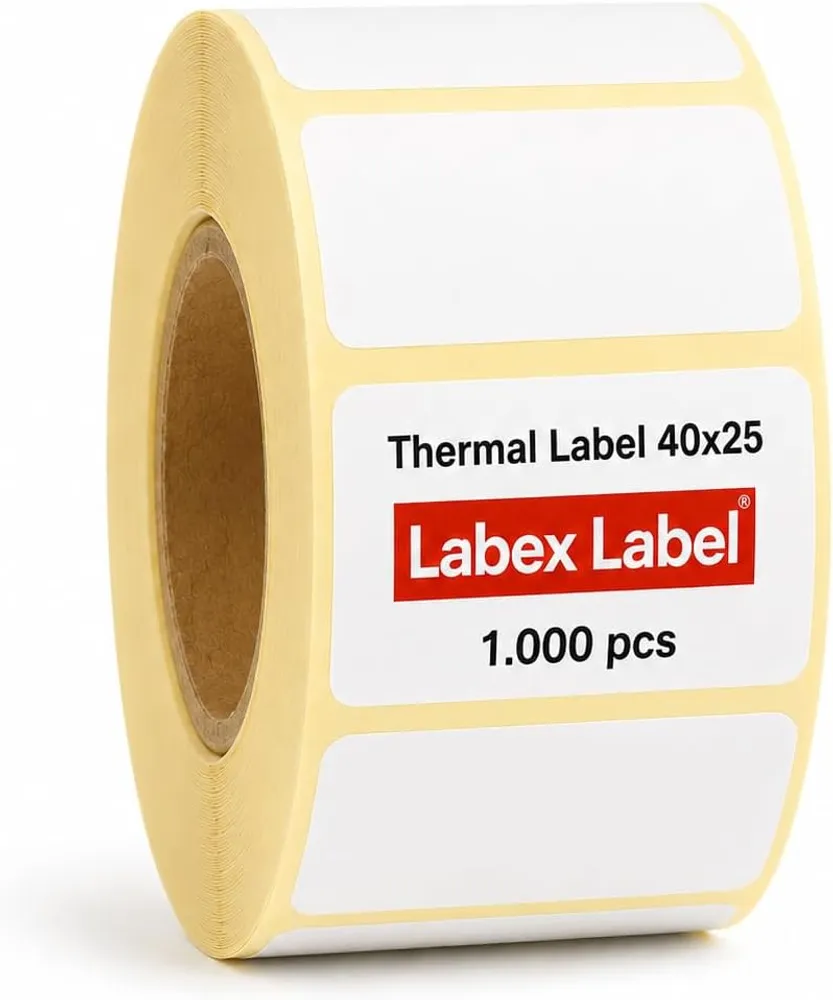
40 x 25 mm can work too, as long as the barcode isn't shrunk too far.
A4 sheets or a thermal printer?
A4 label sheets work, but a slight misalignment is enough to clip barcodes on the edge. With a thermal printer you print exactly the number of labels you need, one at a time, with no half-used sheets.
Printing it right
- In Seller Central, open your shipment or inventory and choose to print item labels.
- Pick the format closest to your roll, then set the paper size in the driver to match the label.
- Print at 100%: a scaled-down barcode is harder to scan.
- Before labelling a whole batch, test-scan a label with a scanner or your phone's camera.
The most common mistakes
- Leaving another barcode visible (the manufacturer's EAN/UPC): cover it so only the FNSKU gets scanned.
- Sticking the label over an edge or a curve: scanners struggle.
- Mixing up variations (size, colour): every variation has its own FNSKU.
- Printing too light: nudge the print density up if the black looks grey.
Our thermal labels are top-coated, so the barcode survives the trip to the warehouse without scuffing. For every size we make, see the label size guide.
FAQ
Can I print FNSKU labels on a direct thermal printer?
Yes. What matters is a sharp barcode printed at full size. Test-scan before labelling the whole batch.
What size should FNSKU labels be?
50 x 25 mm is the most widely used; 60 x 40 mm gives more room. Check the allowed dimensions in Seller Central help.
Do I need to cover the manufacturer's barcode?
Yes. The FNSKU label should cover other barcodes so only one code is scanned at check-in.