Label templates in Avery sizes: L7160, L7163, L7169 and L7651
Four of the most searched Avery codes, matched to our label sheets with free Word templates, and how to avoid misaligned prints.
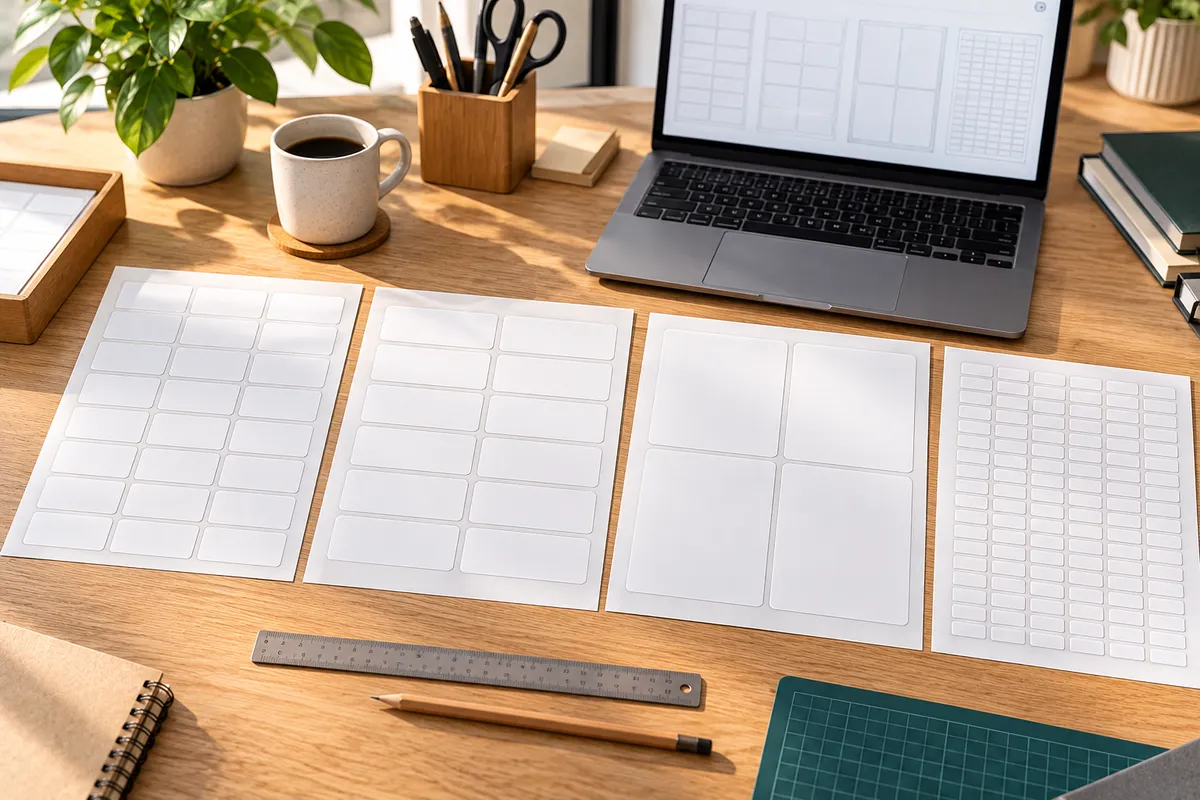
In the UK, people often search for label templates by Avery code: L7160 for addresses, L7163 for parcels, and so on. Several of our A4 sheets have exactly the same label size and count as these popular codes, so you can use either our free templates or the Avery layouts already built into Word.
Matching sizes and free templates
| Avery code | Labels per sheet | Label size | Our sheet | Free template |
|---|---|---|---|---|
| L7160 | 21 | 63.5 x 38.1 mm | 21 per sheet | Word · PDF |
| L7163 | 14 | 99.1 x 38.1 mm | 14 per sheet | Word · PDF |
| L7169 | 4 | 99.1 x 139 mm | 4 per sheet | Word · PDF |
| L7651 | 65 | 38.1 x 21.2 mm | 65 per sheet | Word · PDF |
"Same size" means the label dimensions and the number per sheet match. Page margins can differ by a fraction of a millimetre between brands, so always print a test page first. Avery is a trademark of its owner; we're not affiliated with it, and the codes are used only to describe label sizes.
What each size is for
- 21 per sheet (L7160 size): standard address labels for letters and cards, four to five lines.
- 14 per sheet (L7163 size): longer addresses, return labels, parcel labels for small packets.
- 4 per sheet (L7169 size): parcel labels, box labels, and large product or bottle labels.
- 65 per sheet (L7651 size): price labels, small barcodes, file and sample labels.
Using Word's built-in Avery layouts
- In Word, go to Mailings → Labels → Options.
- Under Label vendors, choose Avery A4/A5 and select the product number, for example L7160.
- Click OK, then New Document to get a blank sheet of labels, or use Mail Merge for an address list.
This works with any sheet that has the same layout. If the print drifts, check the scaling (print at actual size), then compare the layout with our template, which is measured from our own sheets.
A test print saves a sheet
Print your first page on plain paper, hold it against a label sheet and look through it against a window. If everything sits inside the labels, print on the real thing. More printer settings are in how to print on A4 sticker paper, and the full Word walkthrough is in how to make labels in Word.
Need another layout? All our formats and templates are listed in free label templates and A4 label sheets.
FAQ
Are your labels compatible with Avery L7160?
Our 21-per-sheet labels have the same size and count as L7160 (63.5 x 38.1 mm). Print a test page on plain paper to check alignment.
Can I use Avery templates in Word with your sheets?
Yes, for the matching sizes. Choose Avery A4/A5 in Word's label options, then print a test page first, as margins can differ slightly.
Which label size is L7163?
L7163 is 14 labels per A4 sheet, each 99.1 x 38.1 mm. Our 14-per-sheet labels are the same size.