How to print on A4 sticker paper: settings and tips
An A4 sticker sheet prints like normal paper… almost. These settings stop you wasting sheets.
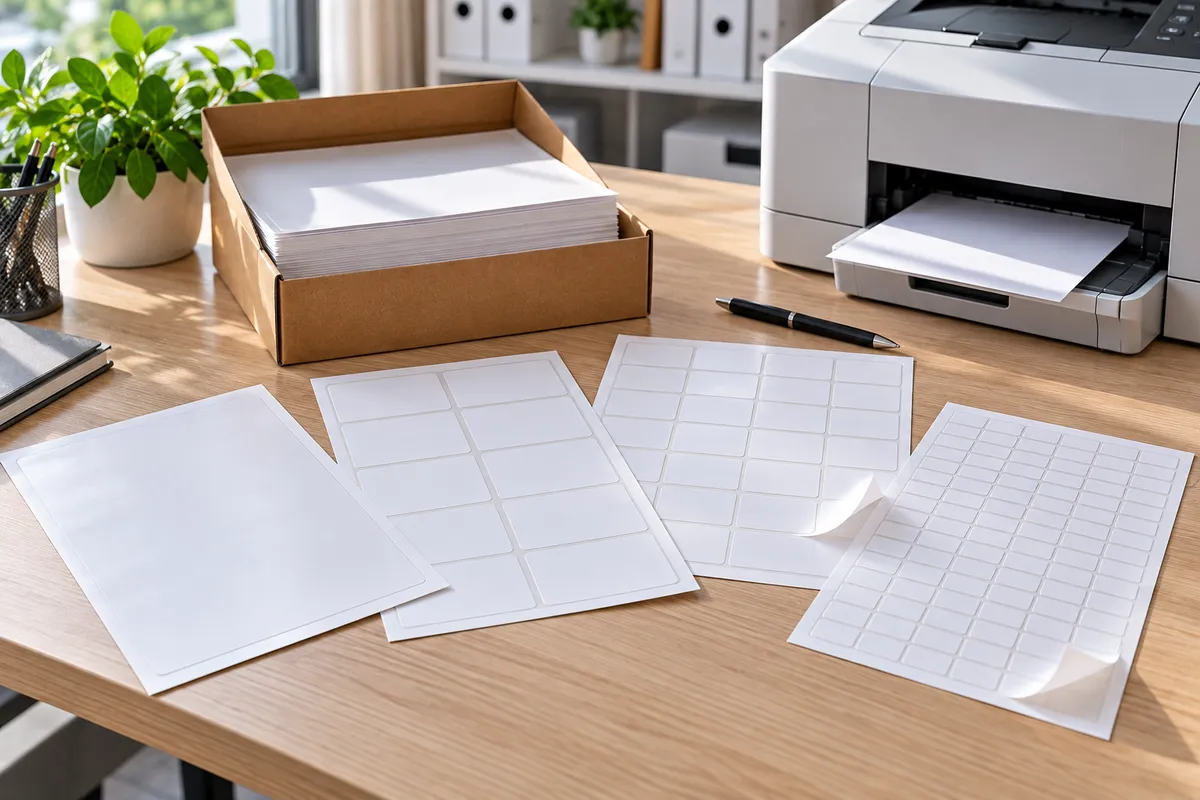
A4 self-adhesive sheets go through any office printer, laser or inkjet. A few settings make the difference between a clean print and a wasted sheet.
1. Find the right side
You want to print on the white label side, not the backing paper. Which way up the sheet goes depends on the printer: mark a plain sheet in pencil, print on it and see which side the text lands on. Then you'll know for good.
2. Set the paper type
In the print dialog, choose “Labels” or “Heavy paper” as the paper type. The printer adjusts speed and, on a laser, fuser temperature. If your printer has a manual feed or rear slot, use it: the paper path is straighter.
3. Allow for margins
Office printers can't print right to the edge. Leave 4–5 mm of margin all round, or trim the sheet after printing.
4. Lay it out in Word (or anything else)
- One big label: a normal A4 document is all you need.
- Several labels to cut out: insert a table (say 2 x 4 cells), one label per cell, then cut with a craft knife or guillotine.
- Mail merge: for addresses, Word's “Mailings > Labels” fills each cell from an Excel list. Full steps in how to print labels in Word.
5. Always test first
Print on plain paper first, lay it over the sticker sheet and hold it up to the light to check everything lines up.
Inkjet or laser?
Both work with our sheets. With inkjet, give it a minute to dry before handling. With laser, the print is dry straight away and more water-resistant.
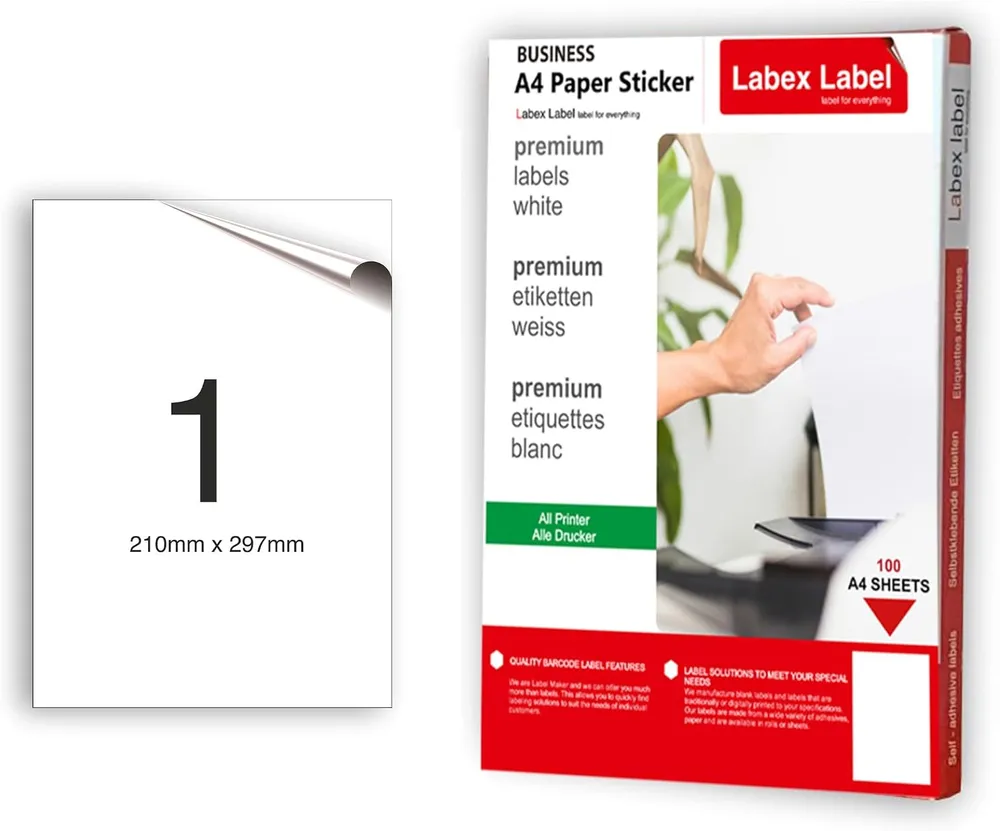
Our A4 self-adhesive labels, 210 x 297 mm, are white matte paper with permanent adhesive, in packs of 10, 100 or 200 sheets. See the whole range under A4 labels.
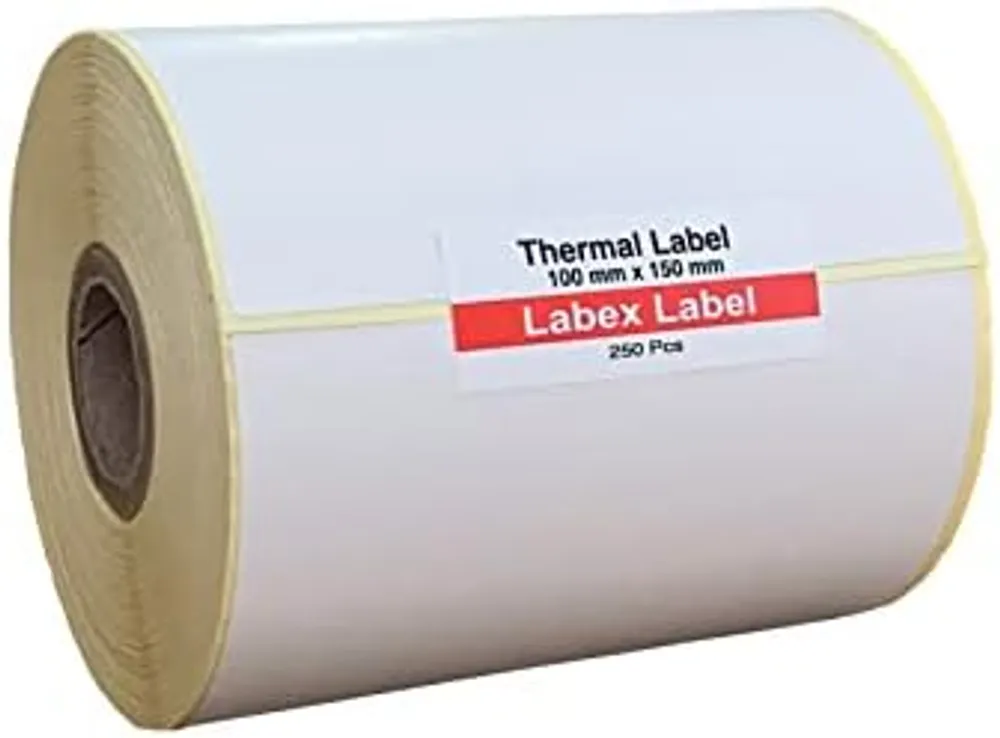
Printing lots of shipping labels? A thermal printer with 100 x 150 mm labels saves real time – see our guide to Royal Mail, Evri and Vinted labels.
FAQ
Which way up do I put sticker paper in the printer?
It depends on the model. Mark a plain sheet in pencil, print on it and see which side the text appears on.
Can I use A4 sticker paper in a laser printer?
Yes, our sheets are suitable for laser and inkjet printers. Choose “Labels” or “Heavy paper” as the paper type.
How do I print several labels on one A4 sheet?
Make a table in Word (for example 2 x 4 cells), put one label in each cell and trim the sheet after printing.