Printing Royal Mail, Evri and Vinted shipping labels on a thermal printer
No ink, no scissors, no tape: how to print your shipping labels in 6x4 format on a thermal printer, carrier by carrier.
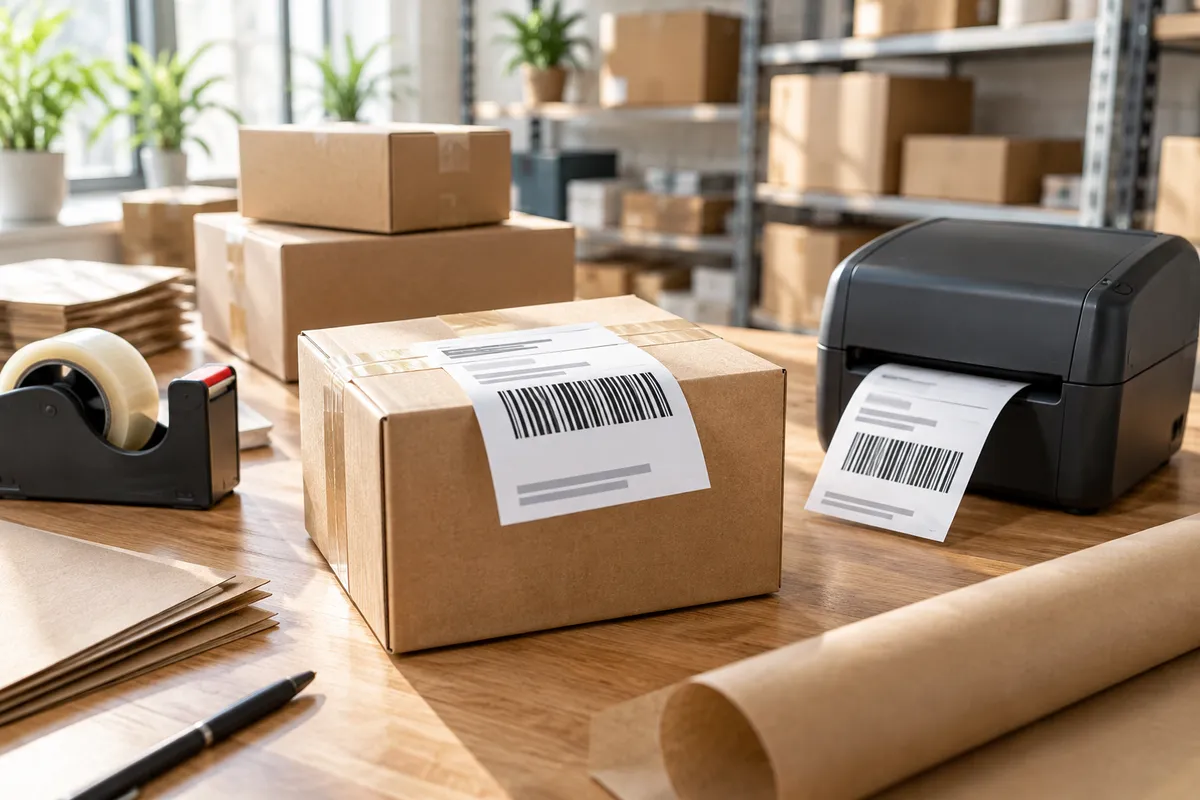
If you send more than a handful of parcels a week, printing on A4, cutting out the label and taping it on gets old fast. A thermal printer gives you a ready-to-stick label in seconds, with no ink or toner. The only thing to get right is the format.
The size to remember: 100 x 150 mm (6x4)
Almost every desktop thermal printer prints up to 4 inches wide (about 104 mm). That is why the standard shipping label is 4 x 6 inches, or 100 x 150 mm in metric. In the UK you will often see it written as 6x4.
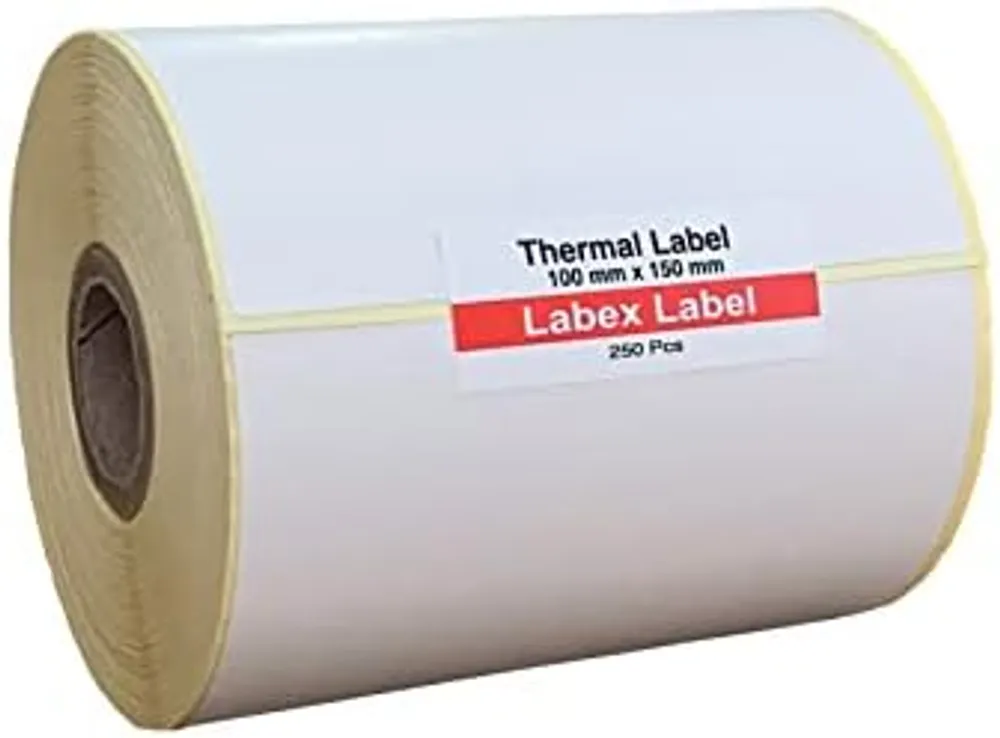
Our 100 x 150 mm thermal labels are made for exactly this: top-coated thermal paper, permanent adhesive and perforations between labels.
Royal Mail
Royal Mail Click & Drop lets you choose your label format in the settings, including a 6x4 thermal label. Set it once and every label comes out ready for your printer, with no cropping.
Evri and DPD
Business accounts and most e-commerce integrations offer a thermal label format, usually 6x4. If you only get an A4 PDF, use the tip below.
Vinted
After a sale, Vinted gives you either a label to print or, depending on the carrier, a QR code to show at the drop-off point so you don't need to print anything. When you do print, the PDF is usually set up for A4.
From an A4 PDF to a 6x4 label
- In the print dialog, choose the 100 x 150 mm (4 x 6 in) paper size and tick “fit to page”. The label shrinks in proportion and still scans fine.
- Or crop the label area in your PDF viewer and print it at actual size.
Three settings that fix most problems
- Paper size in the driver: 4 x 6 in. If it stays on A4, the printer feeds several labels at once.
- Scaling: “fit” for A4 PDFs, “actual size” for PDFs that are already 6x4.
- Calibration: after every roll change, run auto-calibration (often a long press on the feed button) so the printer finds the gap between labels.
Which roll to buy
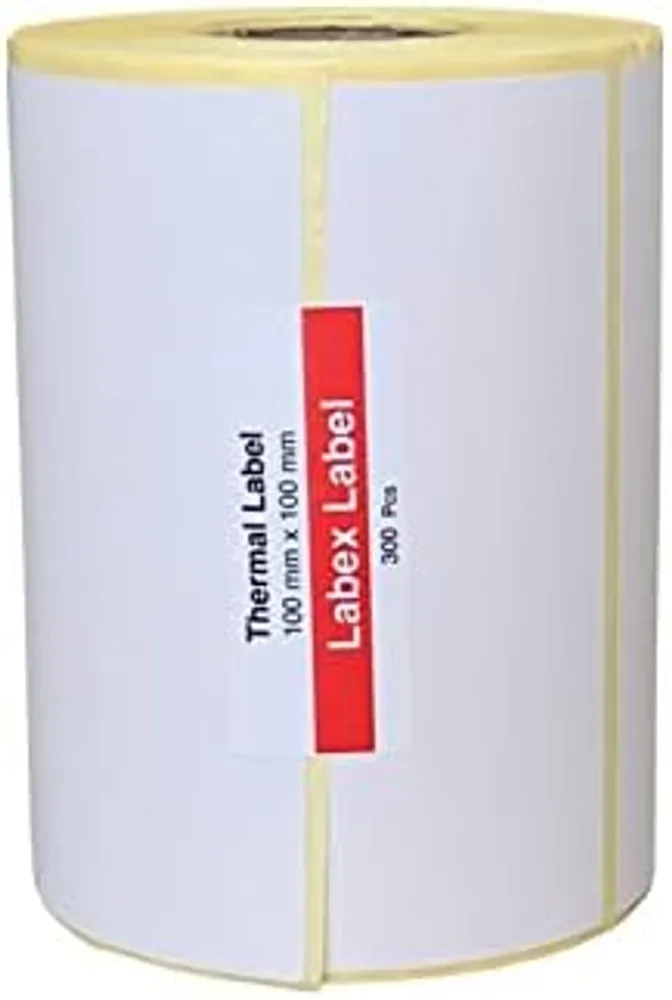
For parcels, 100 x 150 mm is the default. For large letters and small packets, 100 x 100 mm sometimes does the job. To see why no ink ribbon is needed, read direct thermal vs thermal transfer.
All our sizes are on the thermal labels on rolls page.
FAQ
Can I post a Vinted parcel without a printer?
Yes. Depending on the carrier, Vinted can give you a QR code to show at the drop-off point. If you ship often, a thermal printer is still faster.
Do 6x4 labels need an ink ribbon?
No. Direct thermal labels darken with the heat of the print head, so there is no ribbon, ink or toner to buy.
Why does my printer feed two labels instead of one?
The paper size in the driver usually doesn't match the roll, or the printer isn't calibrated. Set 4 x 6 in and run calibration again.