Free label templates for Word (A4)
13 free Word and PDF templates for A4 label sheets, from a full sheet to 65 labels per page.
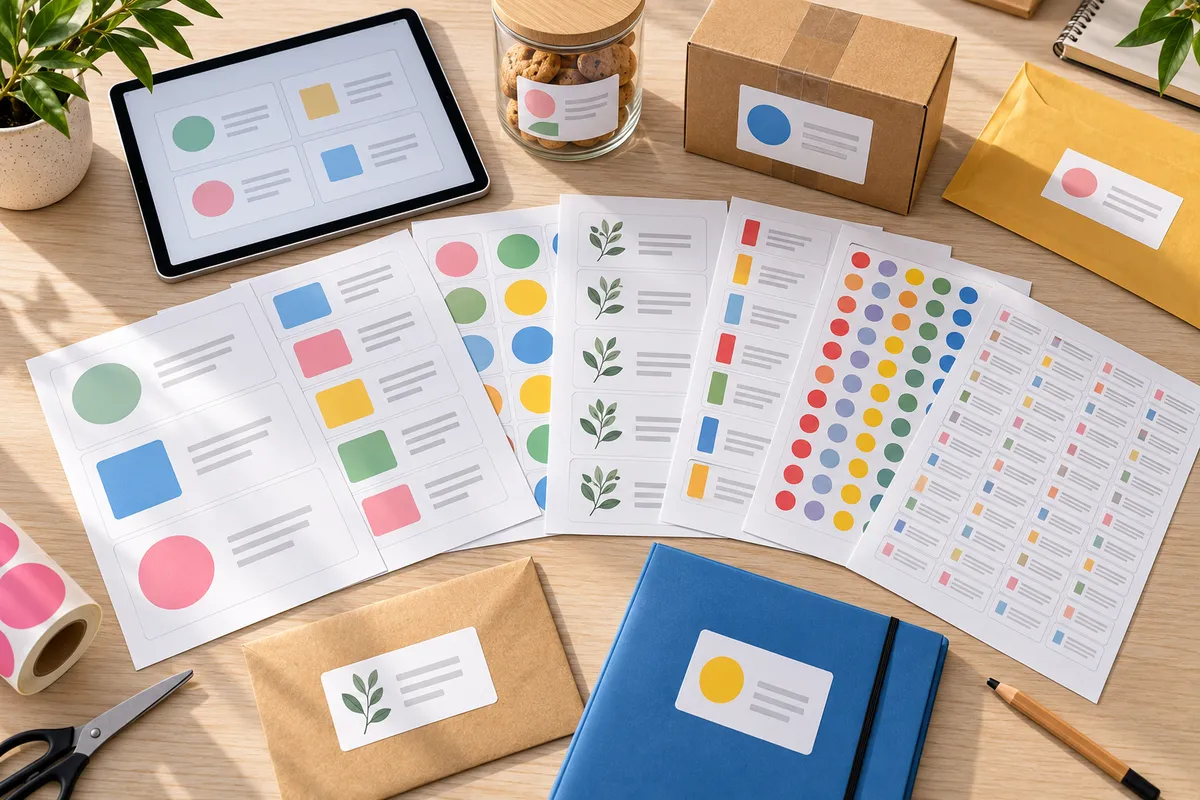
Looking for a label template for Word? Here are our free templates for every A4 label sheet, as Word files (.docx) you can type straight into, and as PDFs to check positioning or use in Canva and design apps.
Templates to download
| Labels per sheet | Size | Word template | PDF template | Sheets |
|---|---|---|---|---|
| 1 | 210 x 297 mm | .docx | View | |
| 2 | 210 x 148.5 mm | .docx | View | |
| 4 | 99.1 x 139 mm (Avery L7169) | .docx | View | |
| 8 | 105 x 74 mm | .docx | View | |
| 10 | 105 x 57 mm | .docx | View | |
| 12 | 105 x 48 mm | .docx | View | |
| 14 | 99.1 x 38.1 mm (Avery L7163) | .docx | View | |
| 16 | 99.1 x 34 mm (Avery L7162) | .docx | View | |
| 21 | 63.5 x 38.1 mm (Avery L7160) | .docx | View | |
| 24 | 70 x 35 mm | .docx | View | |
| 32 | 52.5 x 35 mm | .docx | View | |
| 40 | 52.5 x 29.7 mm | .docx | View | |
| 65 | 38.1 x 21.2 mm (Avery L7651) | .docx | View |
Sizes marked Avery have the same dimensions as the matching Avery sheets.
How to use the Word template
- Open the .docx file in Word.
- Under Table Layout, switch on View Gridlines so you can see the labels. Gridlines don't print.
- Type your text or add your logo in the first label, then copy it into the others.
- Test on plain paper first, lay it over the sheet and hold it up to the light.
- Print at actual size (100%), not "Fit to page".
For addresses from Excel, use mail merge: the steps are in how to print labels in Word. For printer settings, see how to print on A4 sticker paper.
If the text sits slightly off, nudge the top margin in Word (Layout > Margins) by 1–2 mm. Every printer feeds paper a little differently.
FAQ
Are the label templates free?
Yes, all Word and PDF templates are free, with no sign-up.
Do the templates work with Avery sheets?
The 4, 14, 16, 21 and 65 label layouts match Avery L7169, L7163, L7162, L7160 and L7651. Always do a test print first.
I can't see the labels in Word. Is that normal?
Yes. Switch on 'View Gridlines' under Table Layout: the labels show on screen but don't print.