Christmas card address labels: free Word templates and a 10-minute mail merge
Free templates in the two most popular address label sizes, plus the quickest way to turn your Christmas card list into printed labels.
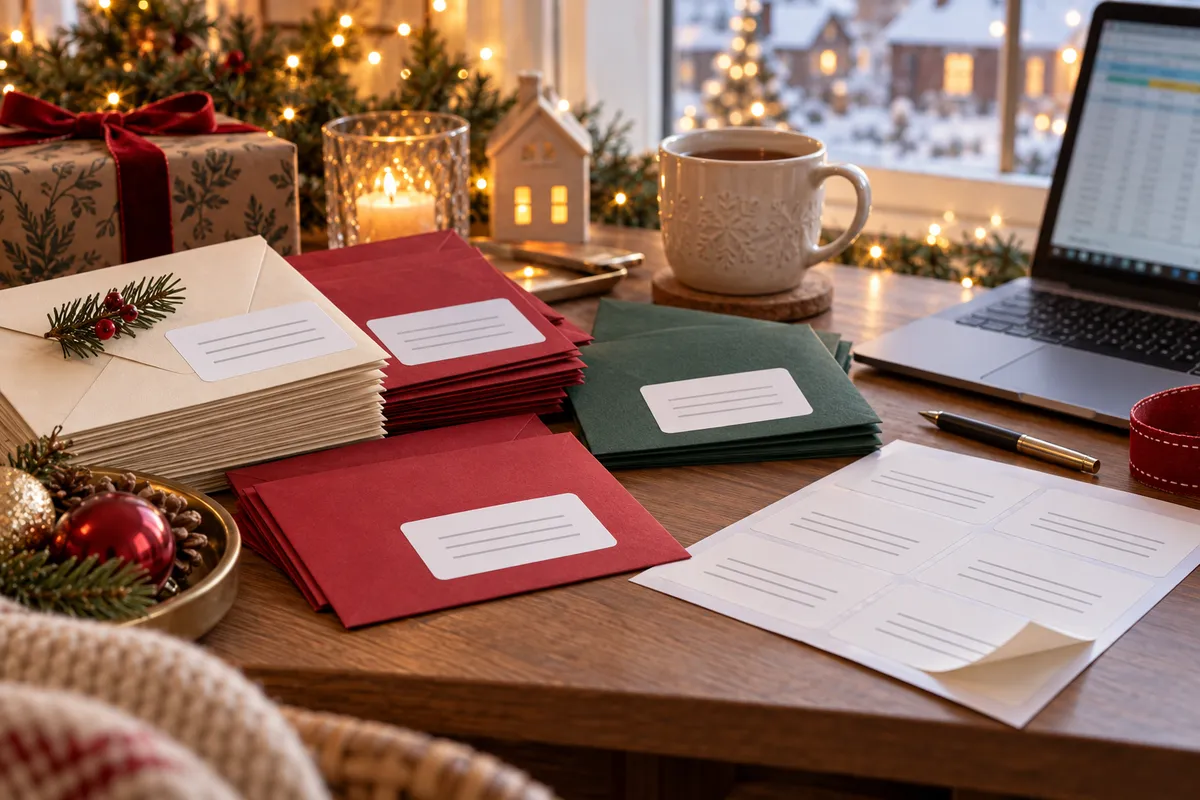
Writing fifty envelopes by hand is a lovely tradition for about the first six. After that, address labels win. Here's how to get your Christmas card list onto labels in one evening, without wasting a sheet.
Pick your label size
Most UK address labels come in two sizes. We make sheets in both, and they match the label size and count of the popular Avery codes:
| Layout | Label size | Same size as | Good for |
|---|---|---|---|
| 21 per sheet | 63.5 x 38.1 mm | Avery L7160 | Standard card envelopes, 4–5 lines |
| 14 per sheet | 99.1 x 38.1 mm | Avery L7163 | Long addresses, larger envelopes |
Free Word templates, already set up:
Other layouts are in our free label templates.
Got your list in Excel or Outlook? Use mail merge
- Tidy the list: one row per household, with columns such as Name, Address 1, Address 2, Town, Postcode. Put the postcode in its own column.
- In Word, go to Mailings → Start Mail Merge → Labels. Choose a 63.5 x 38.1 mm label (L7160 is in Word's Avery list), or open our template instead.
- Select Recipients → Use an Existing List and pick your spreadsheet.
- In the first label, click Address Block (or insert the fields one by one).
- Click Update Labels, then Preview Results and scroll through for odd line breaks.
- Finish & Merge → Edit Individual Documents. Fix anything that looks wrong, then print.
Keep the file: next year you only need to update the spreadsheet. The full walkthrough, including images and barcodes, is in how to make labels in Word.
Only a dozen cards?
Open the template and type straight into the boxes. Each box is one label. Set the font to 10 or 11 pt with no space before or after paragraphs, so four lines fit comfortably.
Return address labels
Print a sheet of your own address too. On a 21-per-sheet layout, type your address once, then use Mailings → Labels → Full page of the same label. Stick one on the back of each envelope, so cards that can't be delivered find their way home.
Printing without wasting sheets
- Print a test page on plain paper first and hold it against a label sheet up to the light.
- Choose Actual size / 100%, not "Fit to page".
- If the print drifts further down the page, the label pitch is wrong. Measure the sheet with a ruler and check Word's label settings.
- Inkjet prints need a minute to dry before you stack the sheets.
Royal Mail publishes last recommended posting dates for Christmas each year. Check them before you print, so the labels are ready in time.
Sending a lot every week?
If you post more than a few parcels or letters a week, a small thermal printer with address labels on a roll prints one label at a time with no sheets to line up.
FAQ
What size are Christmas card address labels?
Most people use 63.5 x 38.1 mm labels, 21 per A4 sheet (the same size as Avery L7160). For longer addresses, 99.1 x 38.1 mm with 14 per sheet works well.
How do I print address labels from an Excel list?
In Word, use Mailings → Start Mail Merge → Labels, choose your label size, select your Excel file as the recipient list, add an Address Block and click Update Labels.
Why are my labels printing out of line?
Usually the printer is scaling the page. Print at actual size (100%) and check that the label size and pitch in Word match the sheet.