Label printers: which type do you actually need?
Shipping labels, price tags, folder spines or full-colour product labels each need a different machine. Start with the job, then check five specs.
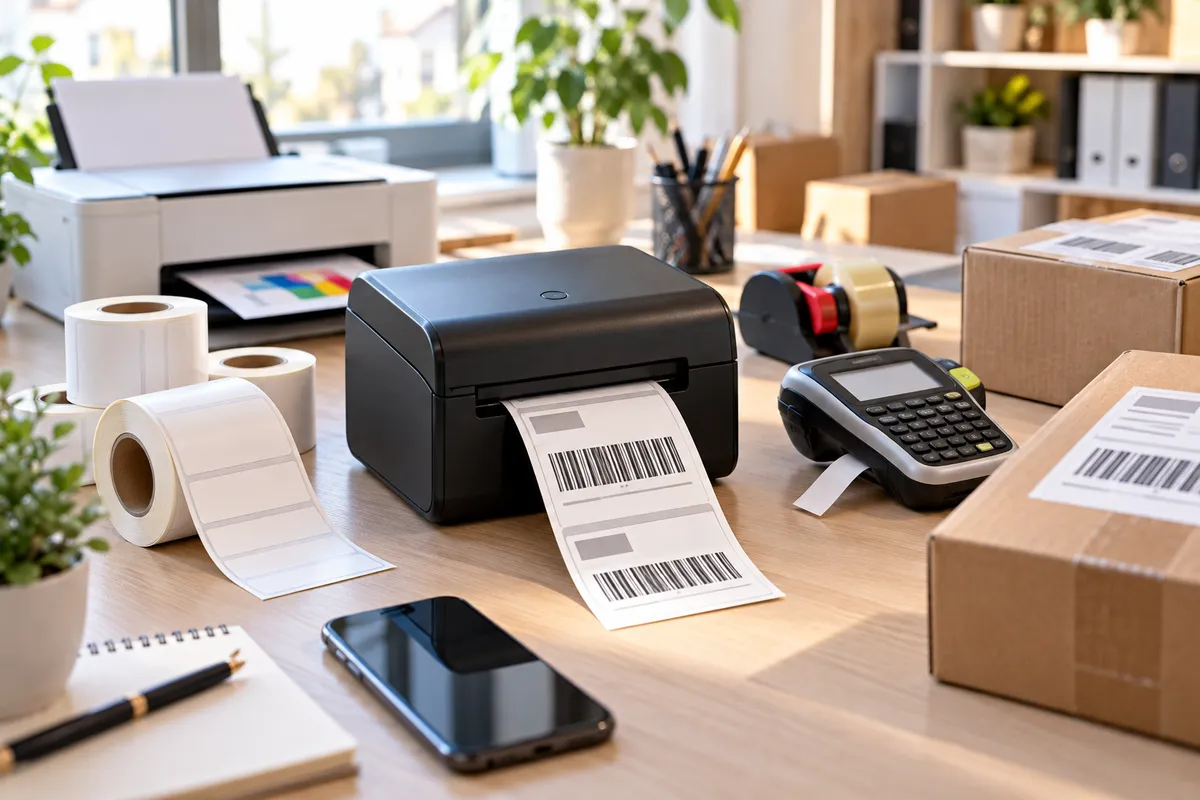
"Label printer" covers very different machines. The one that suits a Vinted seller is useless for a jam maker, and vice versa. So start with what you're labelling, not with the brand.
Start with the job
| What you print | Printer type | Labels it uses |
|---|---|---|
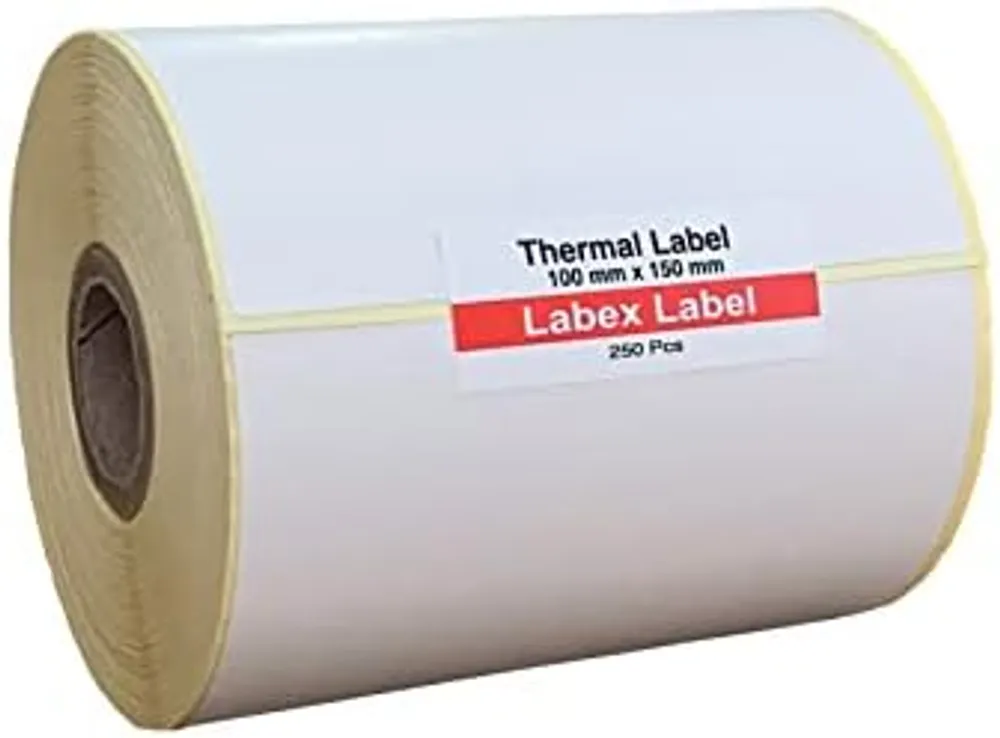
| Royal Mail, Evri, DPD, Amazon shipping labels | 4-inch direct thermal | 6x4 (100 x 150 mm) rolls |
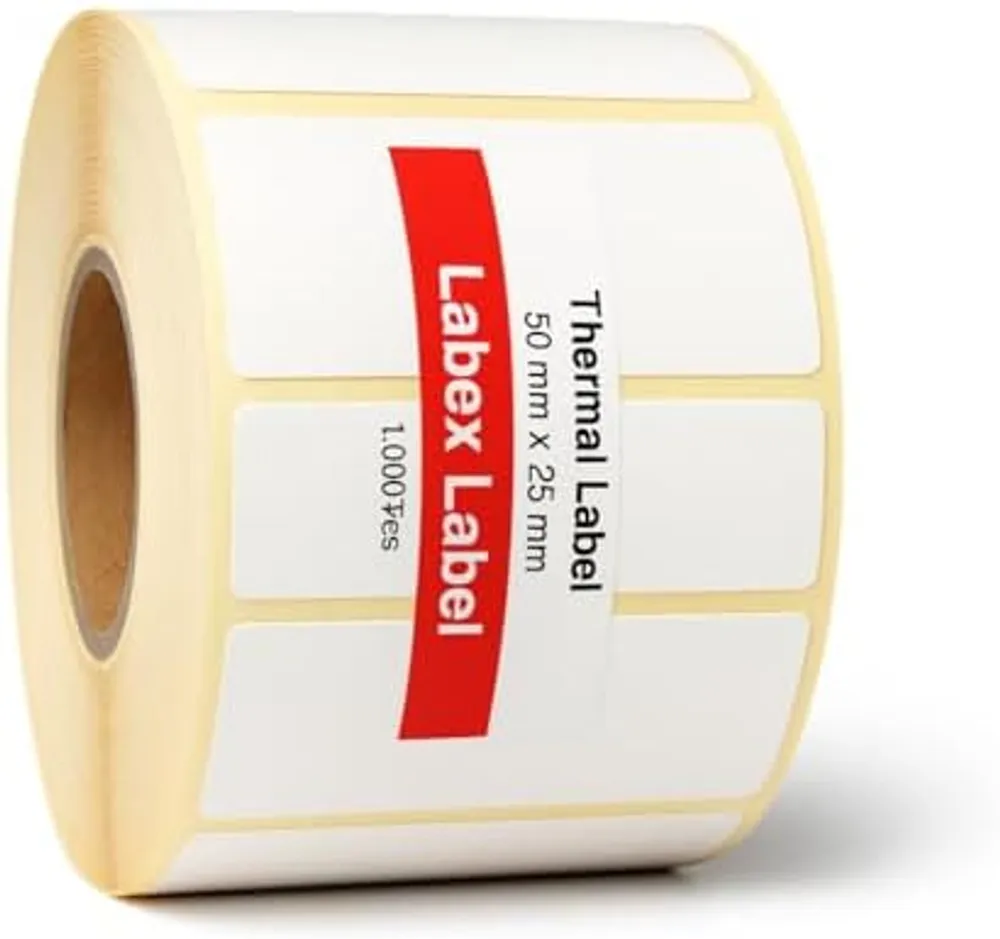
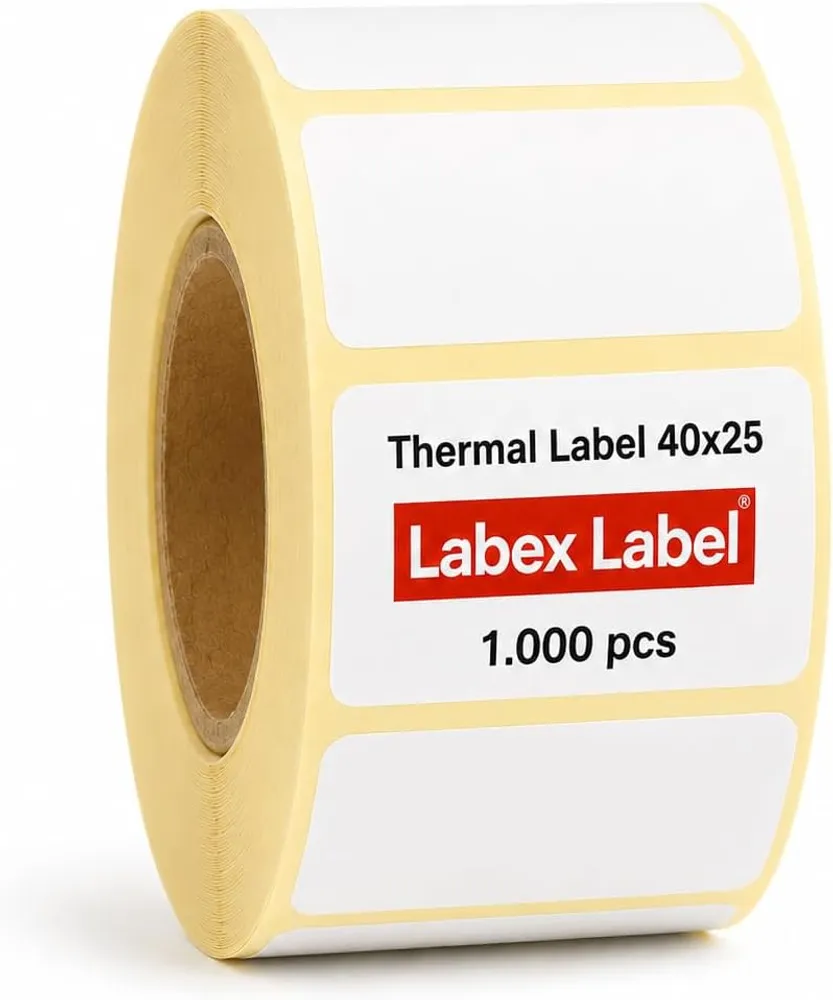
| Barcodes, FNSKU, stock and bin labels | 2- or 4-inch direct thermal | small rolls, e.g. 50 x 25 mm |
| Address labels for post | compact address-label printer or thermal | narrow rolls, or A4 sheets in your office printer |
| Folder spines, cables, shelves at home | handheld tape label maker | laminated tape cassettes |
| Colour product labels in small runs | colour inkjet label printer | special inkjet rolls |
| Thousands of colour product labels | no printer at all | have them printed |
For most small businesses that post parcels, the answer is a 4-inch direct thermal printer. It prints with heat, so there's no ink or ribbon to buy, and it handles every smaller label size too.
Five specs to check before you buy
1. Print width. 4-inch (about 104 mm) is needed for 6x4 shipping labels. 2-inch printers are smaller and cheaper, but only for barcode and price labels.
2. Direct thermal or thermal transfer. Direct thermal is right for shipping and stock labels. Thermal transfer uses a ribbon and is for labels that must last for years, like asset tags. Our guide to direct thermal vs thermal transfer explains the trade-off.
3. Resolution. 203 dpi is the standard for shipping labels and normal barcodes. 300 dpi only pays off for tiny text or small 2D codes.
4. Connection. USB for one desk. Bluetooth if you print from your phone after a sale. Wi-Fi or Ethernet when several people share it. Check that drivers exist for your computer, and that your shipping software supports the printer.
5. Rolls it accepts. Check the core size and maximum roll diameter. Most desktop printers take 25 to 40 mm cores; industrial ones use 76 mm. See label core size and winding.
What it costs to run
A direct thermal printer has no ink, toner or ribbon, so the only running cost is the labels. That's the main reason sellers switch from printing on A4 and taping it on.
Models you'll come across
Popular desktop thermal printers in the UK include the Zebra ZD421 and ZD220, TSC DA210 and TE200, Godex G500, Honeywell PC42 and budget models from Munbyn or Xprinter. Our thermal labels have a 40 mm core and are wound outside, which fits most of them.
Quick answer
- Posting parcels: 4-inch direct thermal, 203 dpi, USB or Bluetooth.
- Shop and price labels: 2-inch direct thermal is enough.
- Warehouse, several desks: 4-inch with a network connection.
- Colour product labels in volume: get them printed, see custom printed labels.
Already have a printer and something's off? See blank, faded or misaligned labels: the fixes.
FAQ
What label printer do I need for Royal Mail or Evri labels?
A 4-inch direct thermal printer. 6x4 inch (100 x 150 mm) shipping labels need about 104 mm of print width.
Do thermal label printers need ink?
Direct thermal printers don't: they print with heat on special label paper. Only thermal transfer printers use a ribbon.
Are your labels compatible with Zebra printers?
Yes. Our direct thermal rolls have a 40 mm core and are wound outside, which suits most Zebra, TSC, Godex and Honeywell desktop printers.