How to make and print barcode labels (including free options)
EAN for retail, Code 128 for stock, QR code for a link: which code to use, how to create it and how to print it so it scans first time.
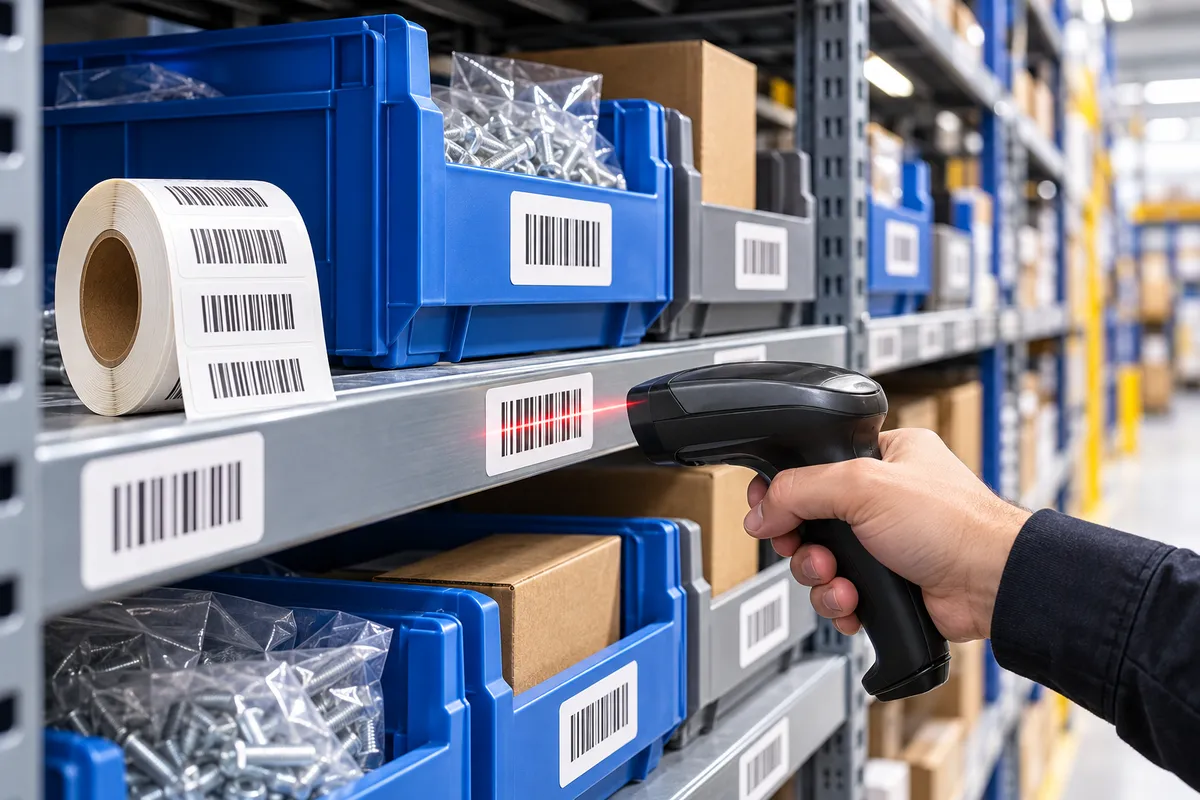
Making a barcode label isn't hard. The real question is: which kind of code do you need, and where does the number come from?
Three codes, three jobs
| Code | What it's for | Where the number comes from |
|---|---|---|
| EAN-13 | Selling in shops and on marketplaces | Issued by GS1 (paid membership) |
| Code 128 | Stock, internal SKUs, parcels | You choose it |
| QR code | Links, product info, traceability | You choose it |
For internal use (shelves, stocktakes, SKUs), Code 128 or a QR code is all you need, and it's free. To sell a product through retailers or marketplaces you'll usually need an official EAN from GS1 UK.
Three ways to create your labels
1. Your printer's software
Most manufacturers include free label software (ZebraDesigner Essentials for Zebra, for example; other brands offer a free edition of BarTender or their own tool). Pick the label size, add a barcode and some text, done.
2. Excel for batches
Got 300 SKUs? Put them in a spreadsheet and import it into the label software: it creates one label per row. The fastest way to handle a stocktake.
3. Online generators
Handy for one or two codes: type the number, download the image, print. Less suited to big batches.
Rules for a barcode that scans first time
- Don't shrink it too far: below roughly 80% of nominal size, an EAN gets hard to read.
- Keep the quiet zones: the white margin on each side of the code.
- Black on white: the safest contrast.
- Test with a scanner or your phone camera before printing the whole batch.
Which label size?
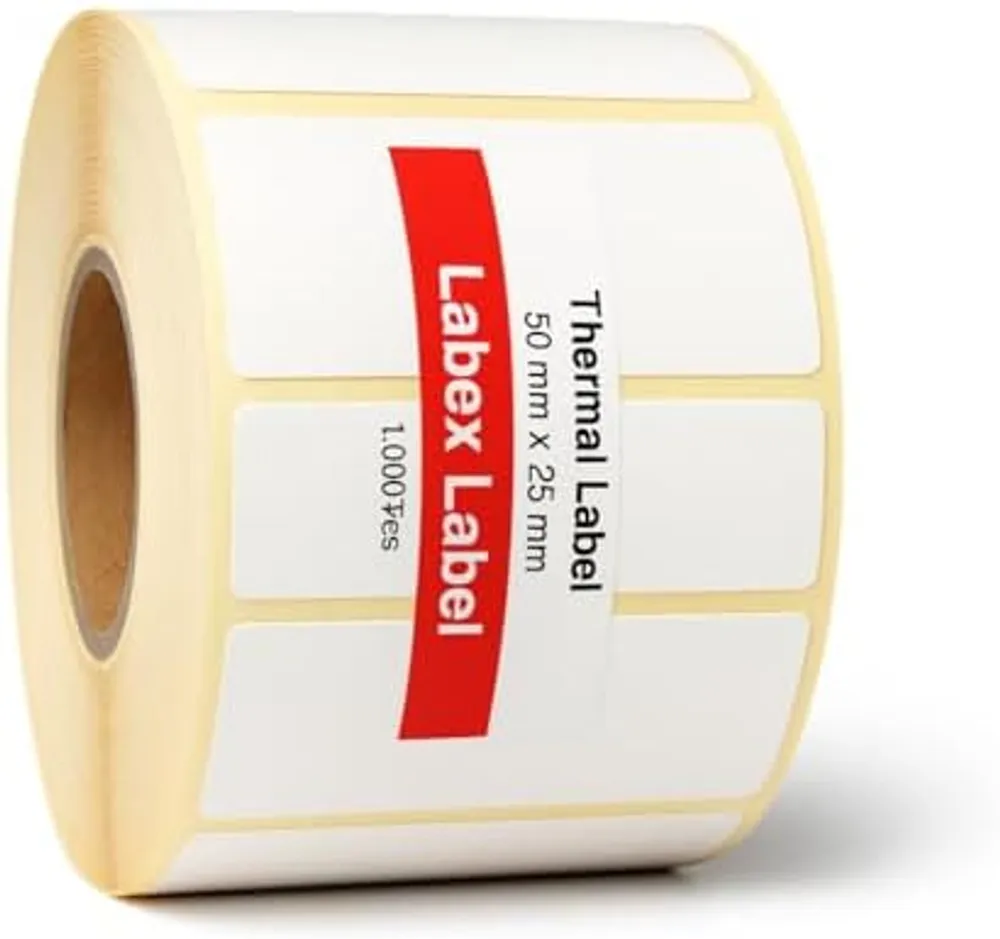
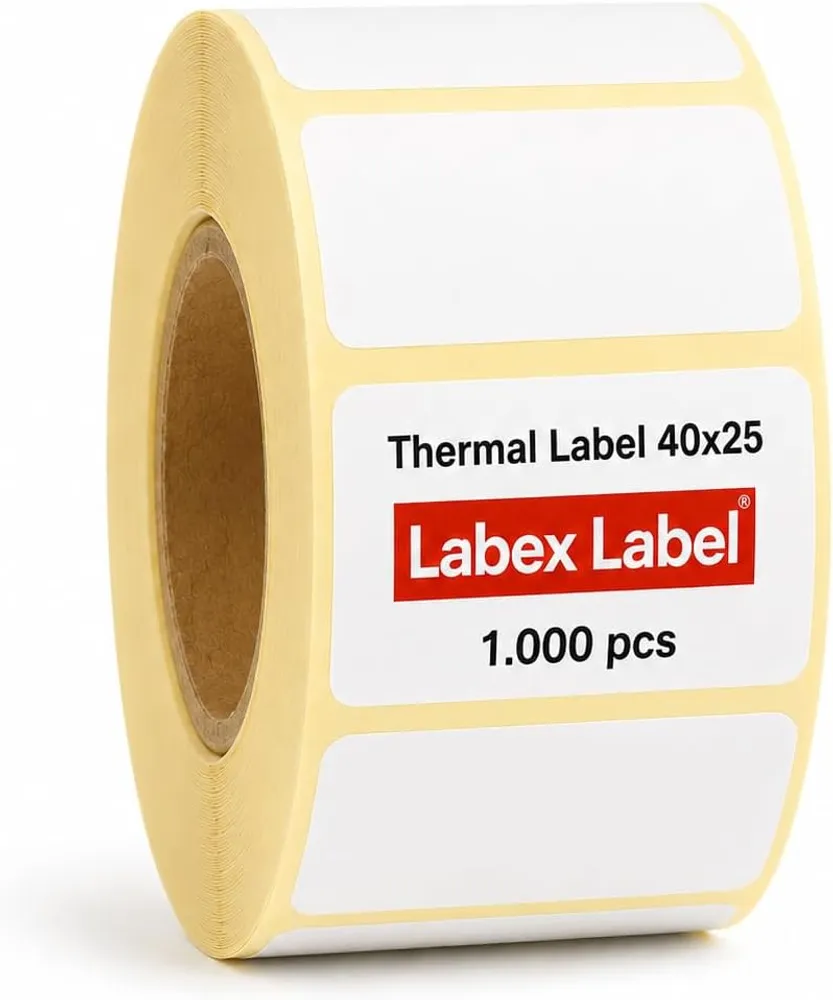
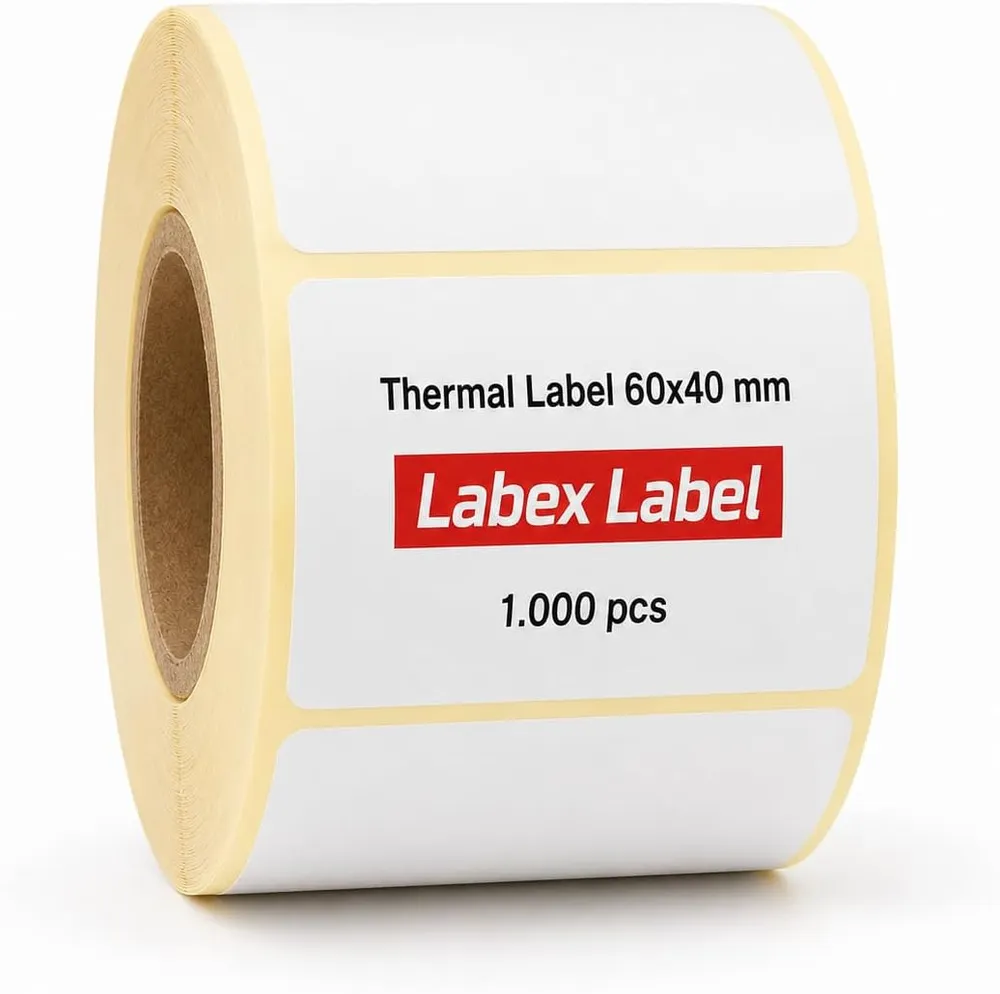
For an EAN-13 plus a line of text, 50 x 25 mm is a good choice; 40 x 25 mm works if the code is scaled down slightly. For barcode + name + price, go up to 60 x 40 mm. The label size guide covers every use.
The top-coated paper on our thermal labels gives a crisp black and resists scuffing, so the code stays scannable after plenty of handling.
FAQ
Can I make an EAN barcode for free?
You can generate the image for free, but to sell through shops or marketplaces the EAN number normally has to be issued by GS1.
Which barcode should I use for internal stock?
Code 128 or a QR code. You choose the numbers yourself, with no membership needed.
How do I print barcode labels from Excel?
Import the spreadsheet into your printer's label software. It creates one label per row with the matching barcode.