How to make stickers at home (and when to get them printed)
Design, print, cut, protect: a practical route from idea to sticker with the printer you already own, and the point where rolls win.
You don't need a sticker machine to make stickers. A normal printer, the right paper and a sharp blade will do. Here's the route from idea to finished sticker.
Step 1: design something that reads at a glance
- Keep it to one idea: a logo, a name or a picture.
- Use bold, simple shapes and strong contrast.
- Leave 2–3 mm of space between the design and the cutting line.
- Stick to shapes you can actually cut: circles, rounded rectangles, ovals.
Free tools that work well: Canva (templates, in your browser), Inkscape (free vector software, good for logos) or simply Word. Export a PDF at actual size.
Step 2: choose the paper
| You want | Use |
|---|---|
| Labels for jars, envelopes, files | matt sticker paper |
| Bright decorative stickers | gloss sticker paper |
| Stickers for water bottles or lunch boxes | printable vinyl |
| A see-through look on glass | clear sticker film |
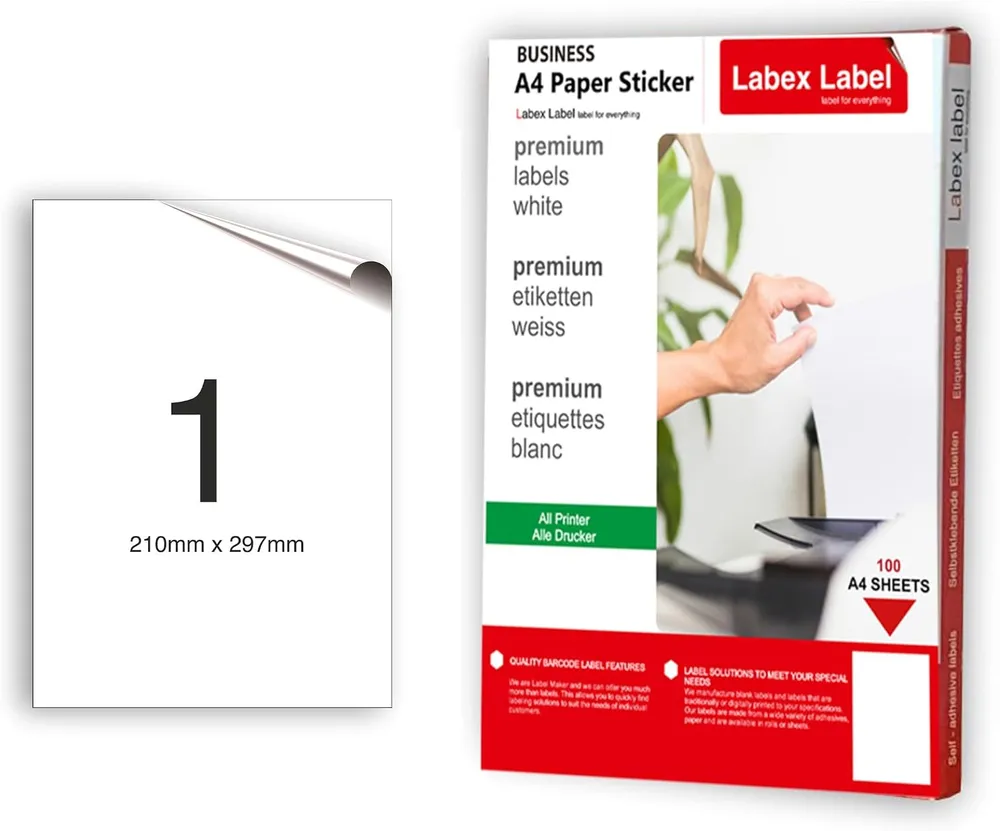
Check that the paper suits your printer: most vinyl and gloss papers are inkjet-only. Our guide to printable sticker paper goes through the options. For freehand shapes, a full A4 sticker sheet is the easiest start; for identical stickers, pre-cut sheets such as 24 per sheet save cutting.
Step 3: print without wasting sheets
Print a test on plain paper, choose actual size, set the paper type to "Labels" and use high quality. With inkjet, let it dry for a couple of minutes. More in how to print on A4 sticker paper.
Step 4: cut cleanly
A metal ruler and craft knife for straight edges, a circle cutter for rounds. If you're cutting lots of custom shapes, a home cutting machine can read registration marks and cut around each design.
Step 5: make it last
Ordinary sticker paper doesn't like water. Use vinyl, or cover the printed sheet with clear self-adhesive laminate before cutting. Laser prints also hold up better than inkjet.
When to stop printing at home
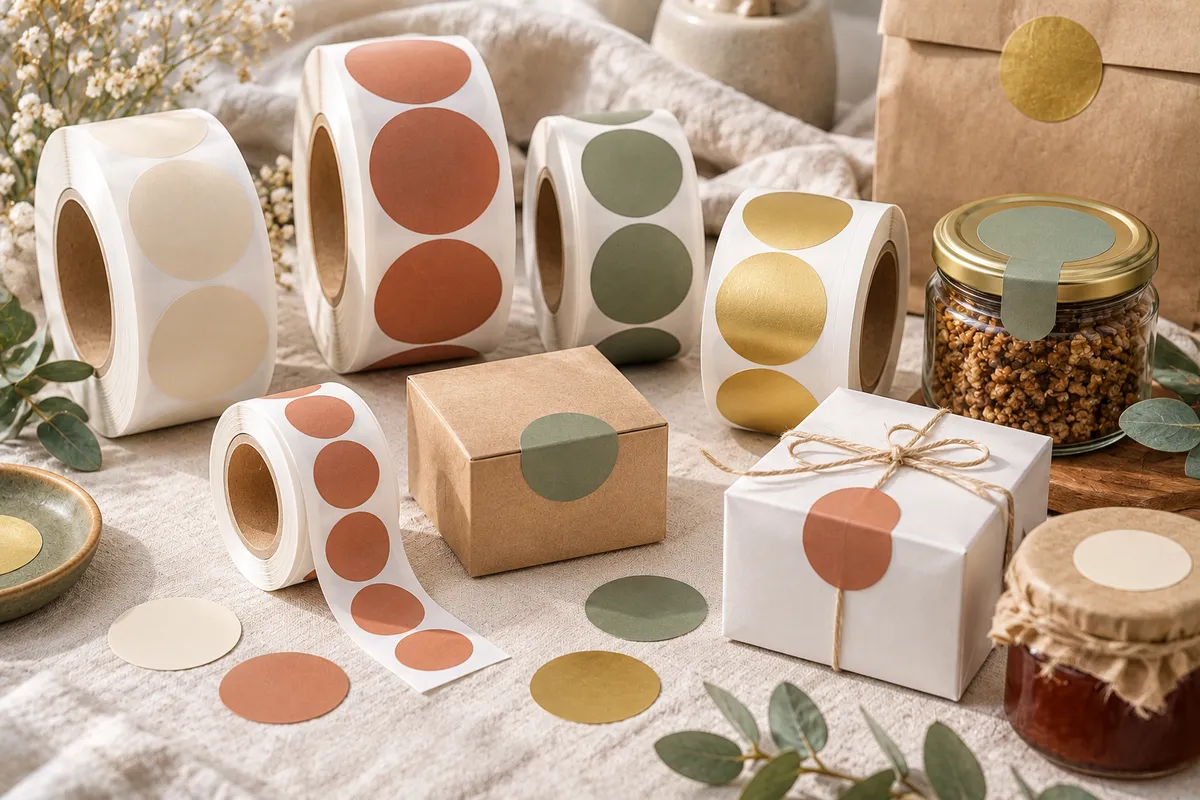
Stickers for every order, product labels for a market stall, seals for packaging: once you need hundreds of identical stickers, home printing turns into an evening job. Custom printed stickers on a roll arrive die-cut and peel off one by one, in waterproof film if you need it.
FAQ
Can I make stickers with a normal printer?
Yes. Use sticker paper that suits your printer, print at actual size and cut the stickers out, or use pre-cut label sheets.
How do I make waterproof stickers at home?
Print on vinyl sticker paper, or cover the printed sheet with clear self-adhesive laminate before cutting.
When is it worth getting stickers printed?
When you need hundreds of identical stickers, die-cut shapes or waterproof film for products and packaging.