Traffic light food labels: how the UK colour coding works
The red, amber and green front-of-pack label explained: what each colour means, the per 100 g thresholds, and how to fit it on your own product labels.
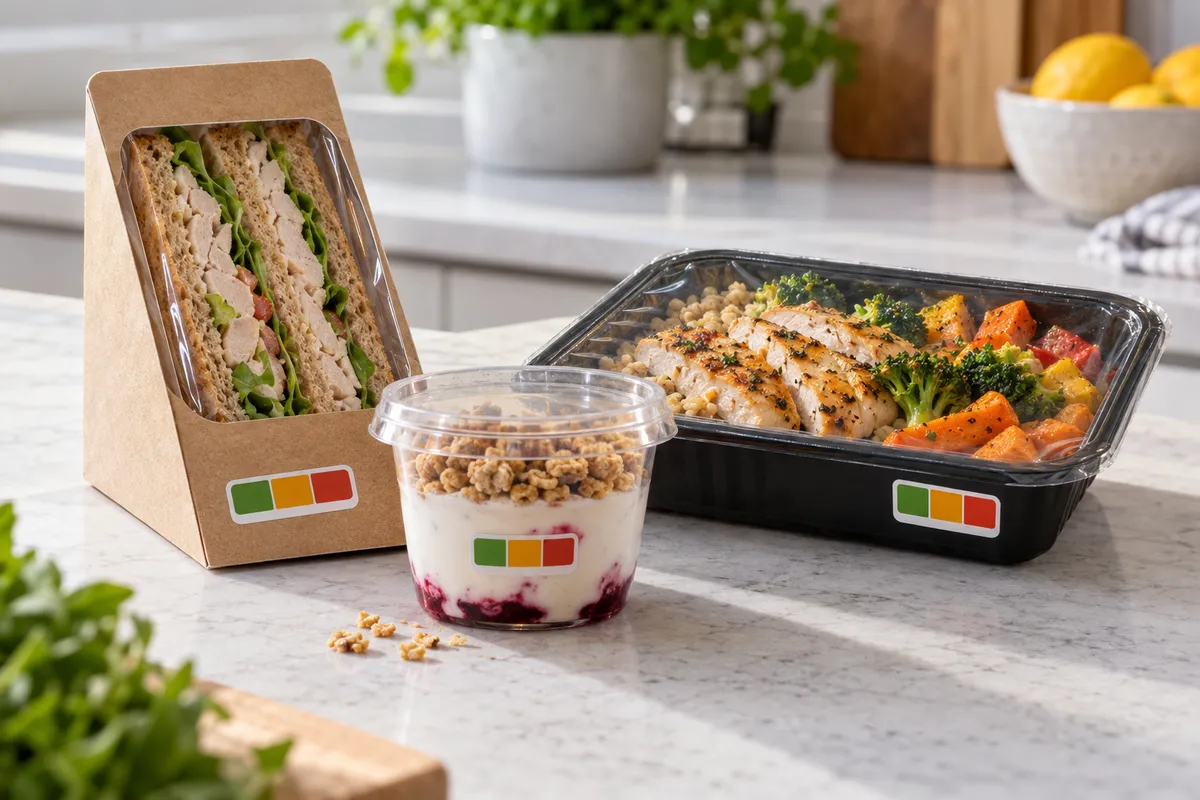
Traffic light labels are the coloured boxes on the front of many UK food packs. They show at a glance whether a product is high, medium or low in fat, saturates, sugars and salt, and how much energy it contains.
Is it compulsory?
No. In the UK the front-of-pack traffic light scheme is voluntary. What is compulsory is the full nutrition declaration (usually on the back), as set out in our guide to what must go on a food label. If you do use front-of-pack colours, follow the government's front-of-pack guidance so your label is consistent with everyone else's.
What the colours mean
- Green: low
- Amber: medium
- Red: high
Each nutrient gets its own colour, so a product can be green for sugars and red for salt.
The thresholds for food (per 100 g)
| Nutrient | Green (low) | Amber (medium) | Red (high) |
|---|---|---|---|
| Fat | 3.0 g or less | more than 3.0 g up to 17.5 g | more than 17.5 g |
| Saturates | 1.5 g or less | more than 1.5 g up to 5.0 g | more than 5.0 g |
| (Total) sugars | 5.0 g or less | more than 5.0 g up to 22.5 g | more than 22.5 g |
| Salt | 0.3 g or less | more than 0.3 g up to 1.5 g | more than 1.5 g |
For drinks the thresholds per 100 ml are half of these for fat, saturates and sugars (for example, sugars are red above 11.25 g per 100 ml). Large portions have an extra rule: a nutrient can also turn red based on how much of it is in one portion. Check the current Department of Health and Social Care front-of-pack guidance on gov.uk before you print, as the per-portion rules are detailed.
Reference intakes
Traffic light labels usually also show each nutrient as a % of the reference intake for an average adult:
| Reference intake per day | |
|---|---|
| Energy | 8,400 kJ / 2,000 kcal |
| Fat | 70 g |
| Saturates | 20 g |
| Sugars | 90 g |
| Salt | 6 g |
Putting it on your label
- Work from your nutrition declaration figures, so front and back match.
- Show the values per portion on the front and state the portion size, with energy in kJ and kcal.
- Keep the colours readable: if you print the front-of-pack box in colour, make sure the text inside is still legible on green, amber and red.
- If your recipe changes, the colours may change too. Check every new batch of figures.
Most small producers print the fixed part of the label, including the traffic light box, as a printed label on a roll, and add the batch number and date with a small thermal label such as 40 x 25 mm.
FAQ
Are traffic light labels a legal requirement in the UK?
No. Front-of-pack traffic light labelling is voluntary. The nutrition declaration is compulsory for most prepacked food.
What makes a food red for sugar?
More than 22.5 g of total sugars per 100 g of food, or more than 11.25 g per 100 ml for drinks. Large portions can also be red on a per-portion basis.
What reference intakes are used?
Energy 8,400 kJ / 2,000 kcal, fat 70 g, saturates 20 g, sugars 90 g and salt 6 g per day for an average adult.