Label design software: free and professional options
From Word to professional barcode software: which kind of label software fits your labels, your printer and how often you print.
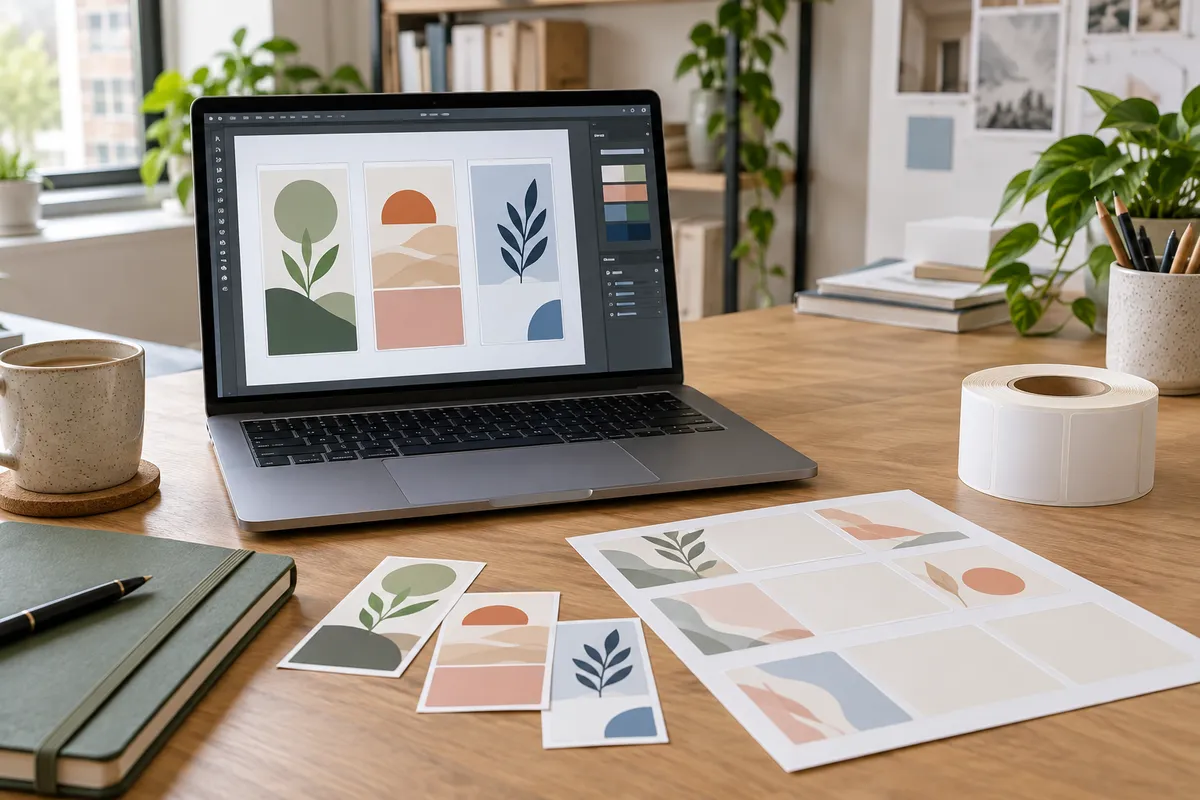
You don't always need special software to make labels. The right tool depends on what you print (text, logos, barcodes, variable data) and on what (A4 sheets or a label printer).
The main options
| Type | Examples | Good for | Watch out for |
|---|---|---|---|
| Word processor | Microsoft Word, LibreOffice Writer | addresses and simple text on A4 sheets, mail merge from Excel | barcodes and exact positioning are fiddly |
| Free online label designers | label makers' own online tools, Canva | quick designs with images for A4 sheets | check the template matches your sheet exactly |
| Graphic design software | Adobe Illustrator, Affinity Designer, Inkscape (free) | artwork for printed labels, logos, die-cut shapes | not built for printing one label at a time |
| Printer makers' software | ZebraDesigner and similar tools from other thermal printer makers | thermal printers: barcodes, serial numbers, data from files | tied to one brand of printer |
| Professional label software | BarTender, NiceLabel and similar | warehouses and production lines: databases, GS1 barcodes, many printers | paid licences |
How to choose
- A4 sheets, text only: Word is enough. See how to print labels in Word and our free templates.
- A4 sheets with pictures: an online designer or Canva, using our PDF templates as a guide.
- Thermal printer, shipping labels: you often need no software at all, as carriers and marketplaces generate the label. See printing shipping labels on a thermal printer.
- Thermal printer, barcodes or product labels: your printer maker's software. For Zebra printers see Zebra label design software.
- Labels you want printed by a manufacturer: design in a graphics program and export a PDF. See how to design custom labels.
Barcodes
Whatever you use, generate barcodes with a proper barcode function or font, not an image found online, and test-scan the printed label. Our guide to making barcode labels explains formats such as EAN-13 and Code 128.
FAQ
Is there free label design software?
Yes. Word or LibreOffice for text labels, free online designers and Canva for A4 sheets, Inkscape for artwork, and most thermal printer makers offer a free basic version of their software.
What software do I need for a thermal label printer?
For shipping labels, usually none: the carrier generates the label. For barcodes and product labels, use your printer maker’s software or professional label software.
Which file should I send for printed labels?
A PDF with fonts embedded and 2 mm bleed, made in graphic design software.