Where can I print a shipping label? At home, from your phone or in a shop
From QR codes you show at the counter to a 6x4 thermal printer at home: every way to get a label onto your parcel, and which one suits you.
You've sold something, paid for postage and now the site wants you to print a label. No printer? You've got more options than you might think.
Option 1: skip the printer with a QR code
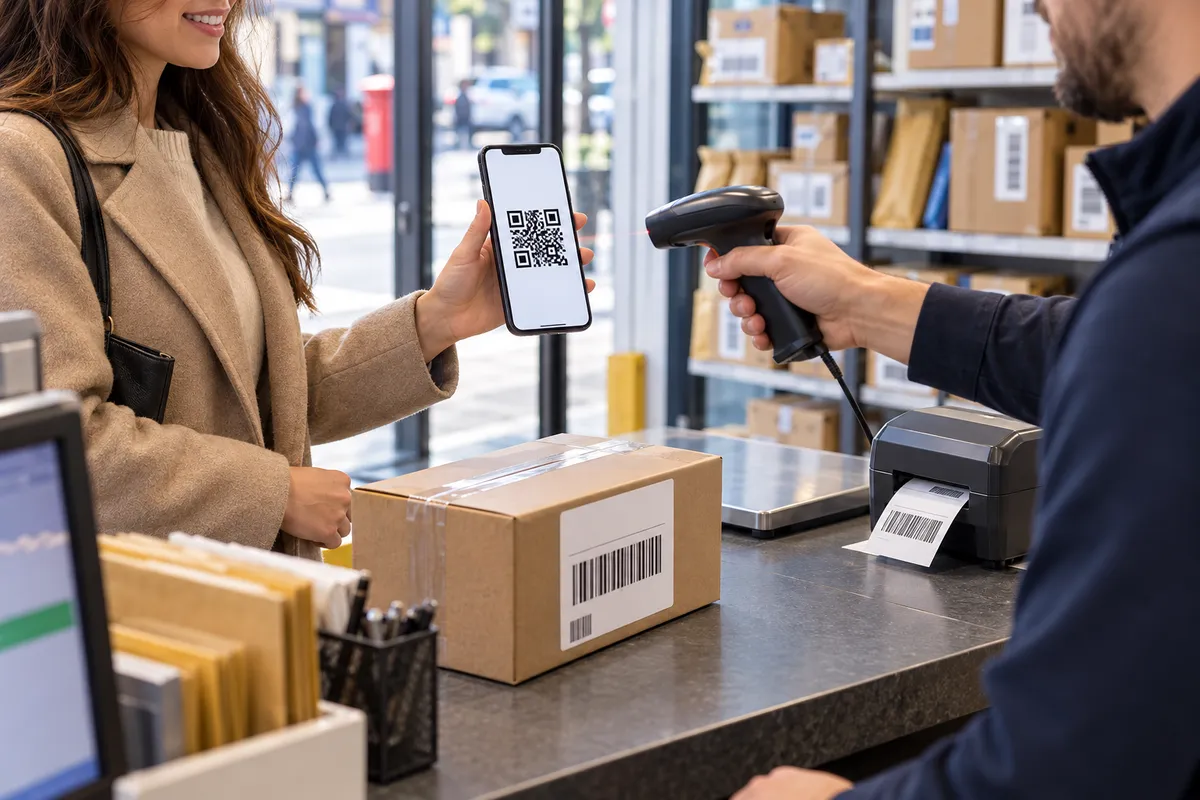
Many carriers and selling platforms now let you choose a QR code instead of a printable label when you buy postage. You show the code on your phone at a post office counter, parcel shop or locker, and the label is printed there or not needed at all.
- Look for an option like "no printer" or "QR code" when you book.
- Not every service or drop-off point offers it, so check before you set off.
- Vinted, eBay and other marketplaces often show the available options when you create the shipment.
Option 2: print somewhere else
- Public library: many have printers you can use for a small fee.
- Copy and print shops: send the PDF by email or bring it on a USB stick.
- Work or a friend's printer: the label is an ordinary PDF.
Print at actual size and tape the label flat on the largest side of the parcel, with no tape over the barcode.
Option 3: an A4 printer at home
Any inkjet or laser printer works. You can print on plain paper and tape it on, or use A4 sticker paper to skip the tape. A half-sheet layout (2 labels per A4 sheet) fits most courier labels and saves paper.
Option 4: a thermal label printer
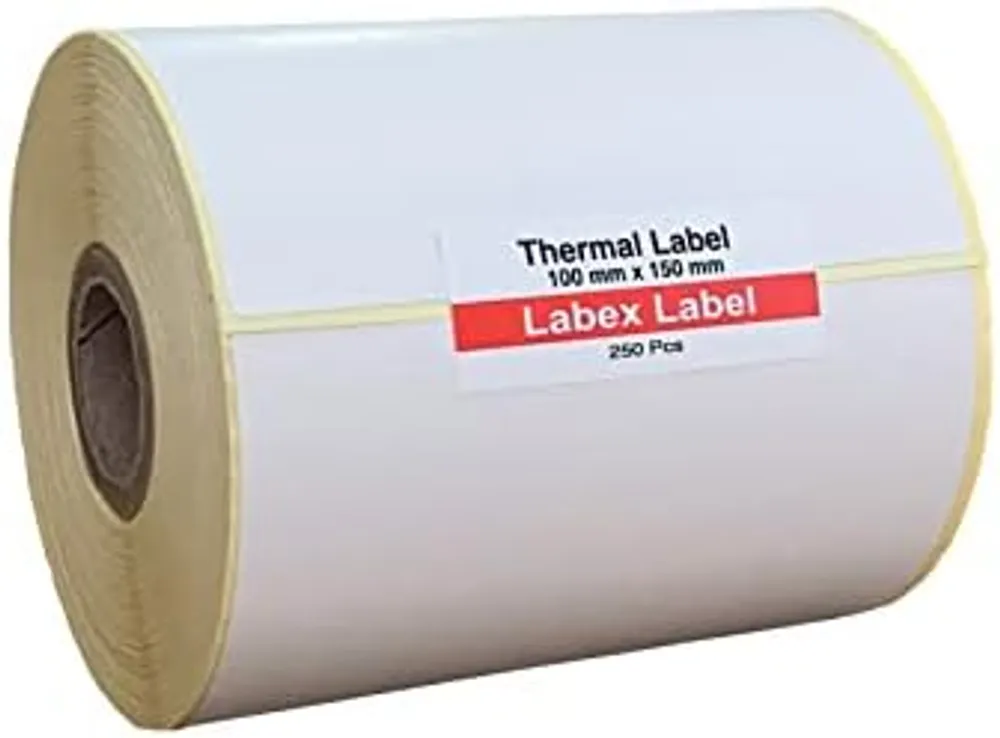
If you post several parcels a week, a 4-inch thermal printer is the most comfortable route. It prints the standard 6x4 inch (100 x 150 mm) label with no ink, straight onto a sticky label: peel, stick, done. Most UK carriers and selling platforms can output labels in this format.
- Labels: 6x4 thermal labels, see also shipping labels.
- Which printer: label printers: which type do you need?
- From your phone over Bluetooth: how to print shipping labels from your phone
Which option suits you?
| You send | Best option |
|---|---|
| a parcel now and then | QR code at the counter or locker |
| a few a month | home A4 printer, ideally with sticker paper |
| several a week or more | 4-inch thermal printer with 6x4 labels |
FAQ
Can I send a parcel without printing a label?
Often yes. Many carriers and marketplaces offer a QR code you show at the counter, parcel shop or locker instead of a printed label. Check when you book.
What size is a standard shipping label?
Most UK courier labels are 6x4 inches (100 x 150 mm), which thermal label printers print directly.
Can I print a shipping label on normal paper?
Yes. Print at actual size and tape it flat to the parcel, without covering the barcode with tape.