Roll or A4 sheets: which label format suits you?
A4 sheets are handy to start with; rolls save time. Which one fits depends mostly on your volume and your printer. A plain-English comparison.
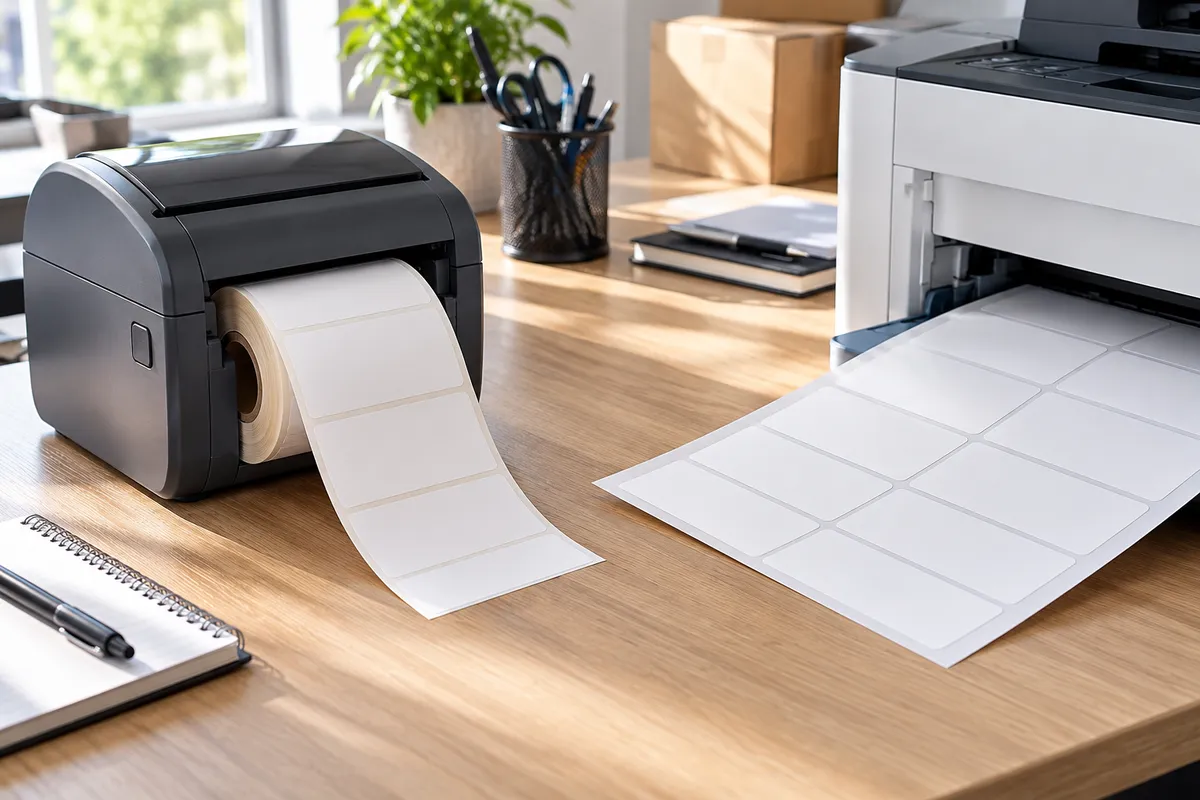
Most people start with A4 label sheets because there's already an office printer. Then one day you're printing parcel labels every morning, binning half-used sheets and nudging the alignment because everything prints slightly off. That's usually when labels on a roll start to make sense.
What actually changes
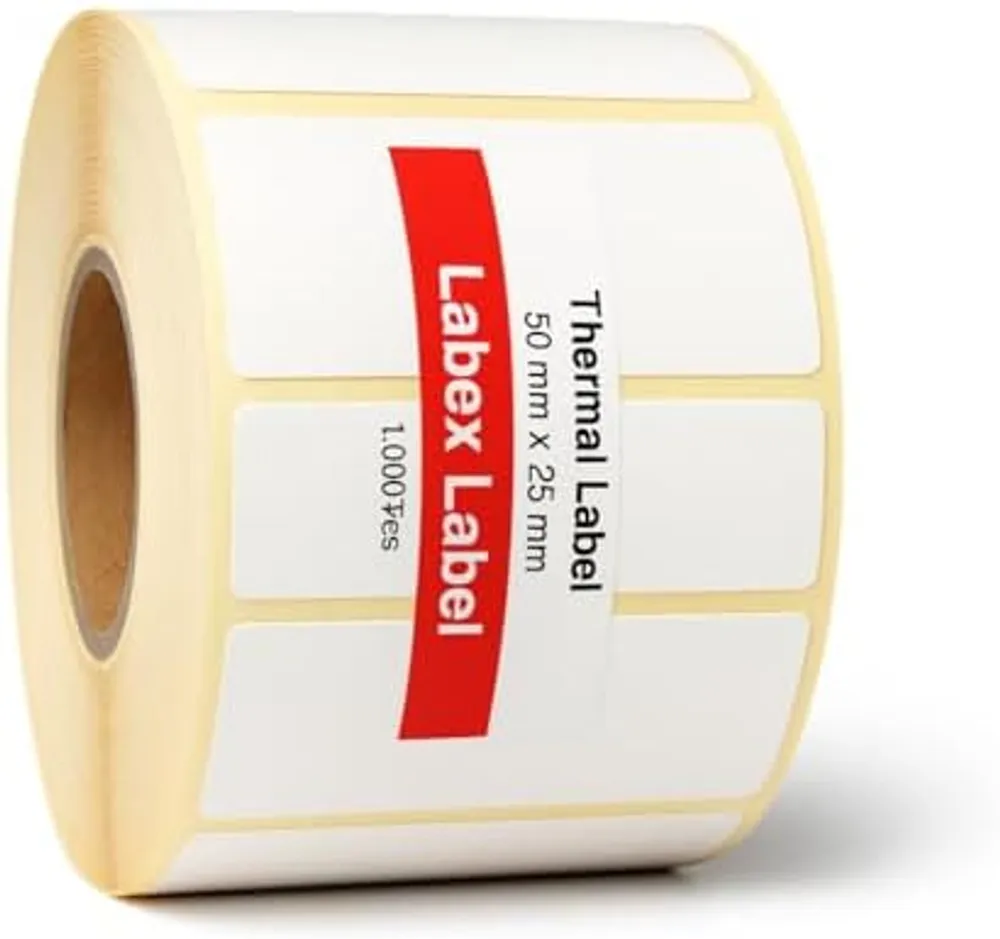
The printer. A4 sheets go through any laser or inkjet printer. Roll labels need a label printer – direct thermal or thermal transfer.
The pace. A roll gives you one label at a time, exactly when you need it. With a sheet you print the whole page, or wrestle with a part-used one.
The waste. This is the bit people underestimate. Printing three labels on a 21-per-sheet means either wasting 18 or keeping a part-used sheet that might jam next time.
Colour. An inkjet will print a photo or a colour logo on an A4 sheet. A direct thermal printer prints black. If you want colour on a roll, you order labels pre-printed in volume.
When A4 sheets are the right call
- A handful of labels a week: addresses, files, jars.
- The occasional colour label.
- No appetite for another printer on the desk.
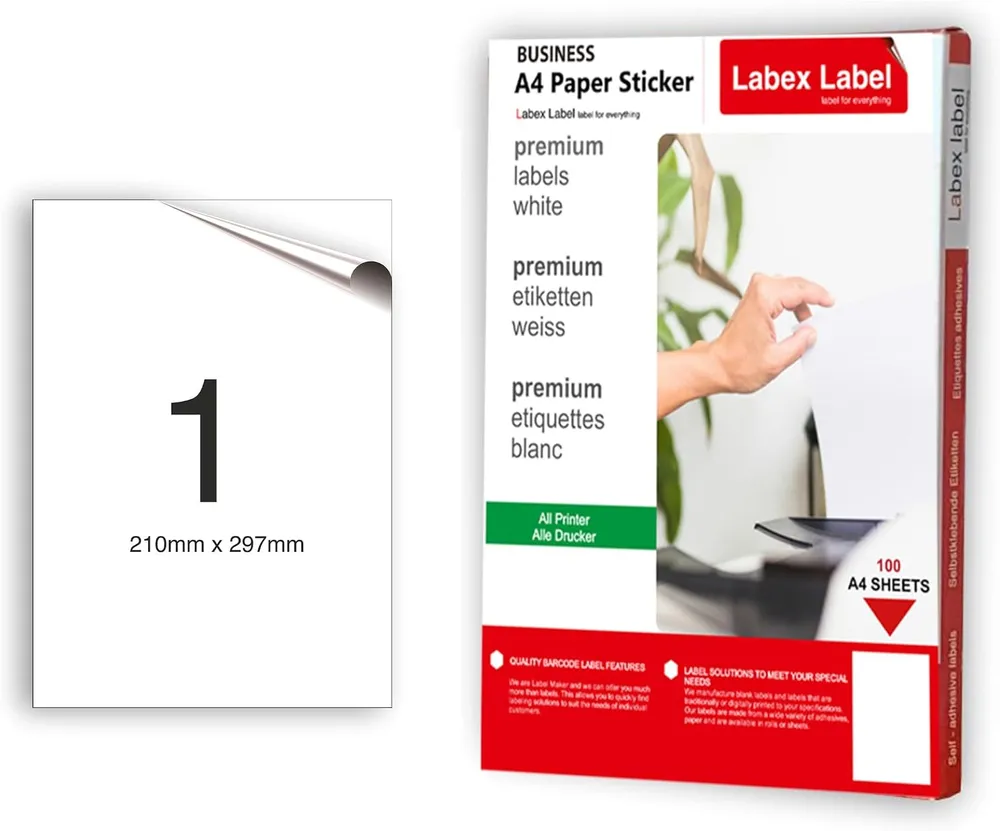
Pick a sheet layout that matches your most common job and print at actual size (100 %) so nothing drifts. Our guide to printing on A4 sticker paper covers the settings.
When a roll is the obvious choice
- You print labels every day: parcels, barcodes, picking.
- You need one label at a time, as each parcel is packed.
- Labels have to go on quickly, sometimes one-handed.
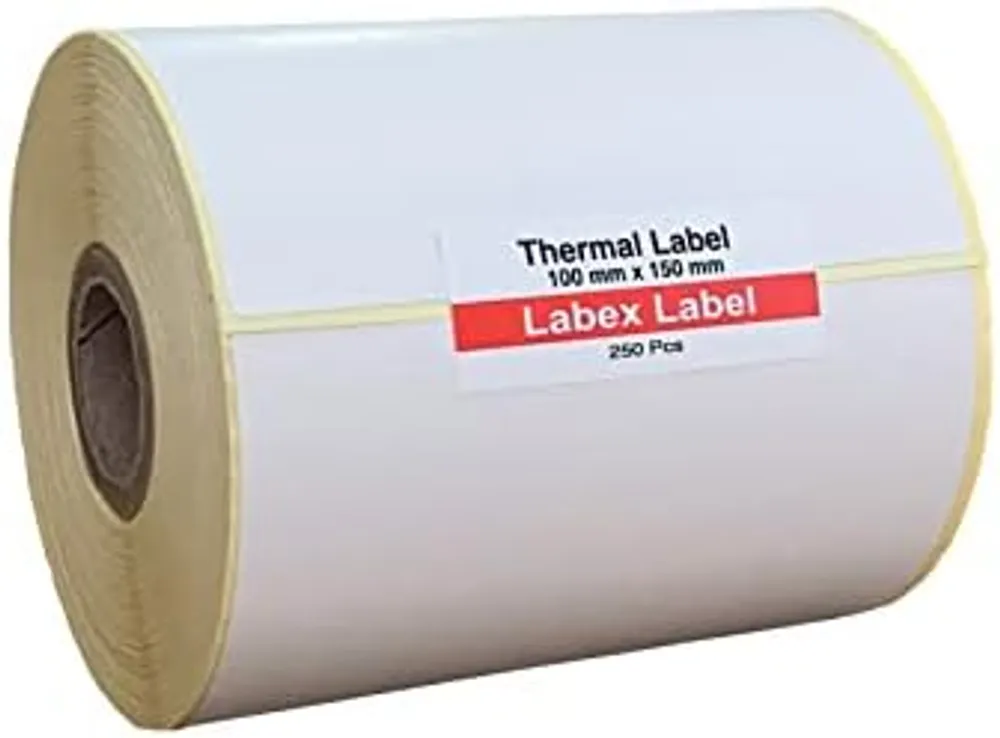
- Your shipping platform produces 100 x 150 mm (6x4) labels.
A direct thermal printer uses no ink or toner – the roll is the only thing you replace. Our guide to label printers helps you choose one.
And for large runs?
Once you're into thousands of identical labels, neither sheets nor printing in-house is the most efficient route. Pre-printed roll labels with your logo and fixed text leave you to add only the variable data, such as batch and date.
In short: A4 sheets for the occasional job, a roll as soon as labels are part of the daily routine. See our thermal labels on rolls, A4 labels, blank roll labels for thermal transfer and custom roll label printing for volume.
FAQ
Can I print roll labels on a normal printer?
No, you need a label printer. Laser and inkjet printers are designed for sheets such as A4 label sheets.
Are roll labels more expensive than A4 sheets?
There's the printer to buy at first. After that, a direct thermal printer uses no ink or toner, and a roll avoids wasting part-used sheets.
What size should I use for shipping labels?
100 x 150 mm (6x4) on a thermal roll is the courier standard. On A4 you'd use sheets with 1, 2 or 4 labels.